Week 4 - Lighting Iteration
1/28/2025
Feedback from Mentors
Shot Changes:
- Change the shots to be practical and simplify shots
- Remove shot 4, 7, and 8
- Shot 5: consider using 2D crowds
- Start confetti effects on shot 5 for continuity
Lighting / Composition:
- Shot 3: the background fades to black and use spotlight for the transition between scenes
- Shot 5-6: Spotlight on stage and dark lighting on the environment
- Focus on heels; background out of focus
Shot Lists:
After the feedback from the mentors, our team removed the shot 4, 7, and 8 from the original previs and reorganized the shot lists. All shots except for the shot 4 (which will be our establishing shot of the stage) will be shot in the LED volume. The shot 4 will be the shot in greenscreen and will be composited to the CG background of the stage rendered in Unreal. We also received the feedback from the professor Gaynor and the professor Fowler in terms of creating continuity though the effects and lighting.
Shot 1 LED Volume WS of the actress standing in the stop and repeat backdrop
Shot 2 LED Volume MCU the actress steps with the Louboutin heels; the effects spread to make red carpet
Shot 3 LED Volume MS with the zoom in, the scene transition from the red carpet to the stage
Shot 4 Greenscreen EWS in the stage, the effects spread up the curtain
Shot 5 LED Volume CU of the heels, end with the logo
Renders (version 1):
Shot 4, crowds by Julian and Tianze, curtain texture by Katherine, lighting by Yejin
Shot 5, crowds by Julian and Tianze, lighting by Yejin
Some of the textures on the stage were changed to gold for the indirect lighting. Also, I used 1:3 fill to key ratio and the color temperature to light the stage; the right light from the actress is casting cool light as the key light and the left light is casting warm light as the fill light. This file was passed onto Tianze for 2D crowd card, and the render was passed onto Julian who will be compositing the glitter effects to the stage environment.
For the shot 4, the real actress will be shot in greenscreen and composited by Julian. The shot 5 will be on LED volume. We will have our first shoot on February 14th.
HDRI (rendered in Unreal):
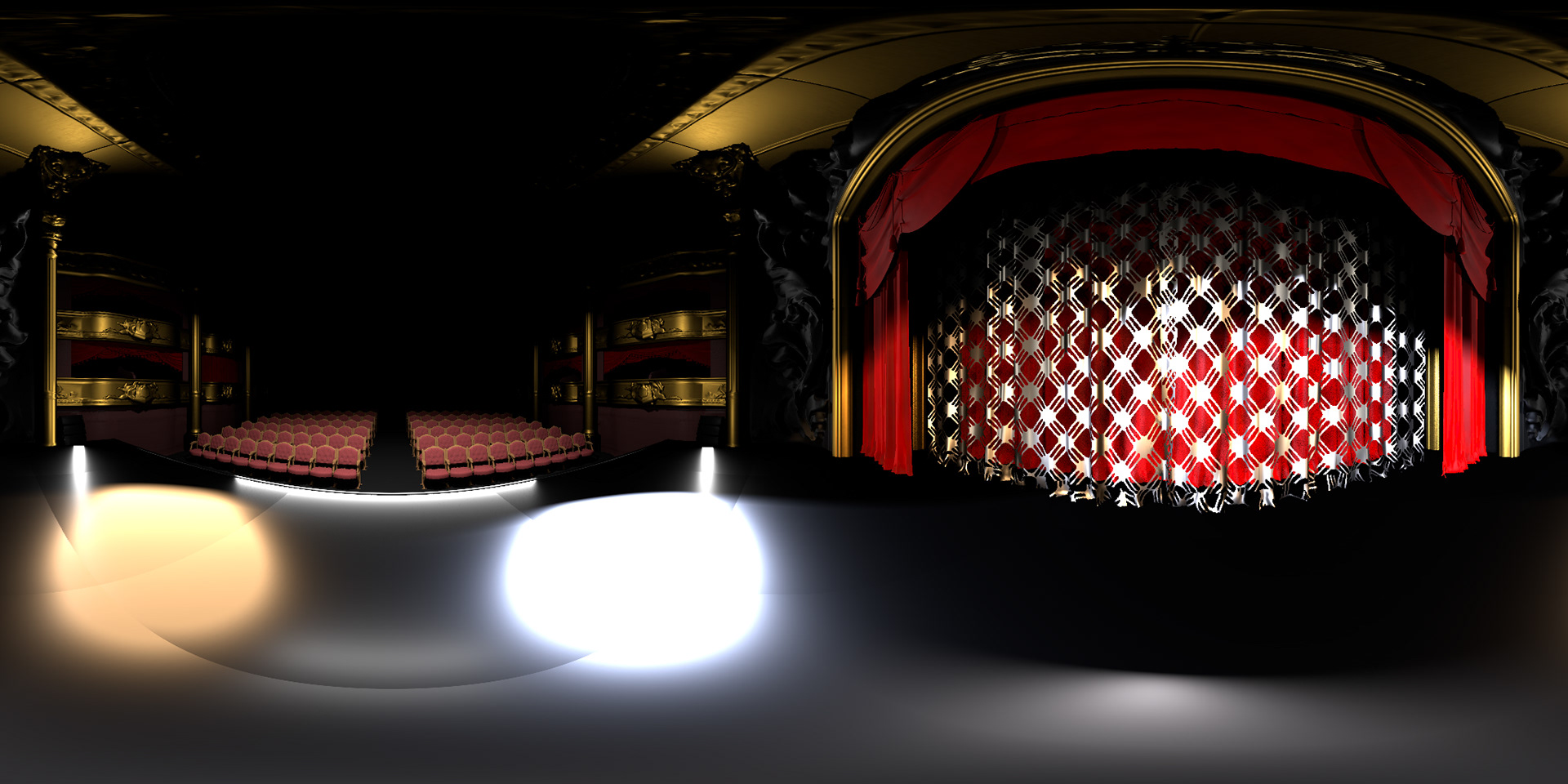
I rendered the HDRI of the stage scene for Jingxing to put it in Houdini file for the glitter effects. This HDRI will be updated as I continue iterate the lighting and texturing.
Renders (version 2):
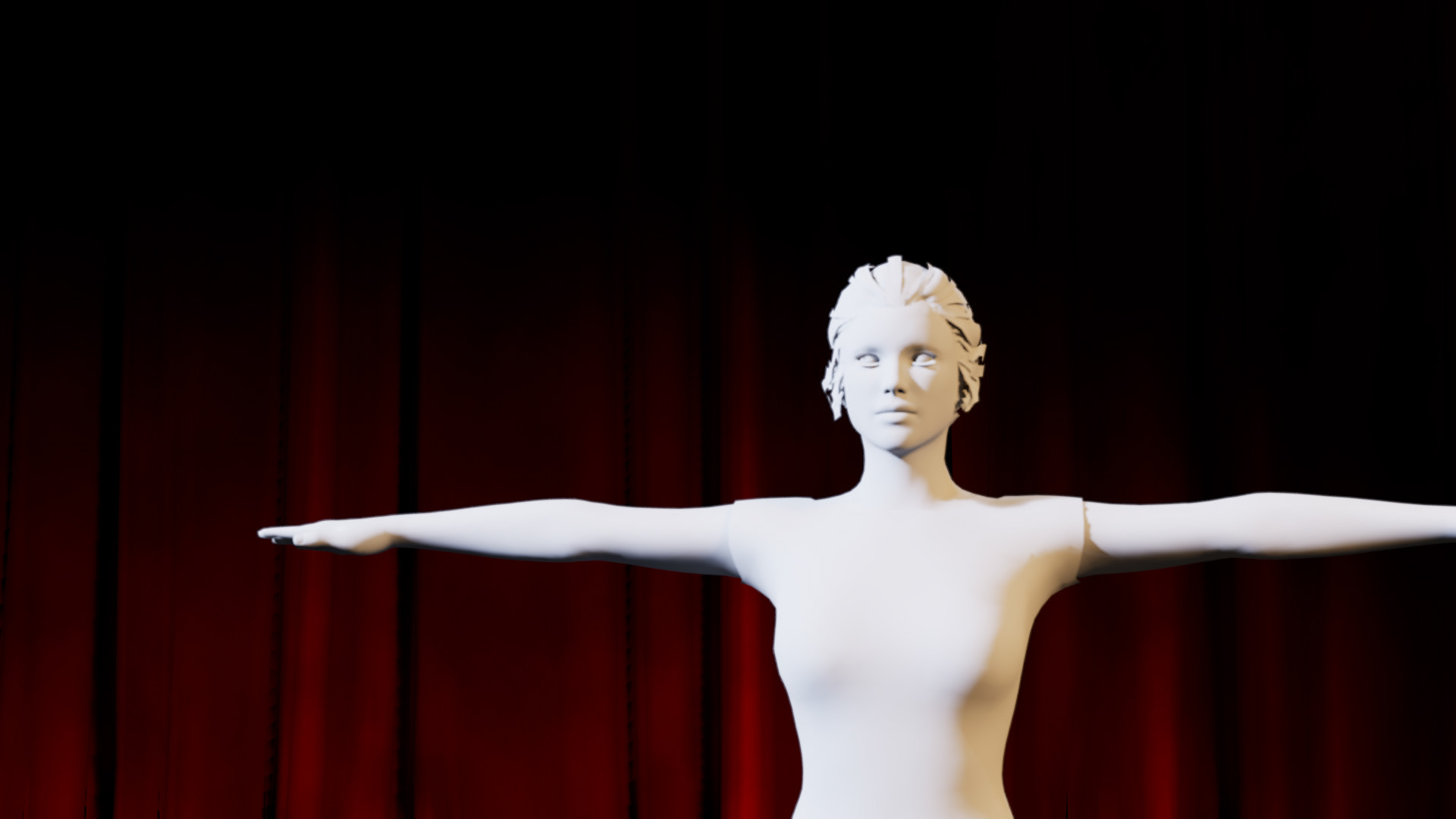
Shot 3, rendered in Unreal
Shot 4, rendered in Unreal
Shot 5, rendered in Unreal
Shot 5, rendered in Unreal, color
After getting feedback from the professors on Sunday and Monday, we worked more on the iteration. For the shot 3 —where the transition between the red carpet scene to the stage scene happen—, they advised us to dissolve into the same angle in the stage scene instead of fading directly to the shot 4. So, I rendered the shot 3 without the model and handed it off to Julian.
One comment that I got from both professors were that the crowd is hard to see in both shot 4 and 5. For both of the shots, I increased the intensity of the lighting, and for the shot 4, I wanted to show the rim light from the stage light. However, because the crowd is 2D, it was brightening up as whole rather than just an edge of the card. In order to solve this, I duplicated the first three rows from the stage, offset them from the original placement, and applied some emission. One downside of this was that the crowd looked a bit flat and 2D, so I am planning to look more into lighting the crowd cards.
For the shot 5, the card was effected by the exposure of the camera. So, the advise from the professor Gaynor was that I should also add the emission of the crowd material to increase the intensity. I rendered the shot 5 with and without the shaders on the model because it would be easier to see the lighting affecting the character than seeing though the shaders. Next week, I'll be also adjusting the depth of field to make the background out of focus.
Although we weren't able to put those changes onto the week 5 presentation, this render was the progress we made at the end of week 4. Thank you!