Technical Direction for Compositing
Process Blog
02/26/2026 - Week 08
02/24/2026 - Week 08
02/21/2026 - Week 07
02/18/2026 - Week 07
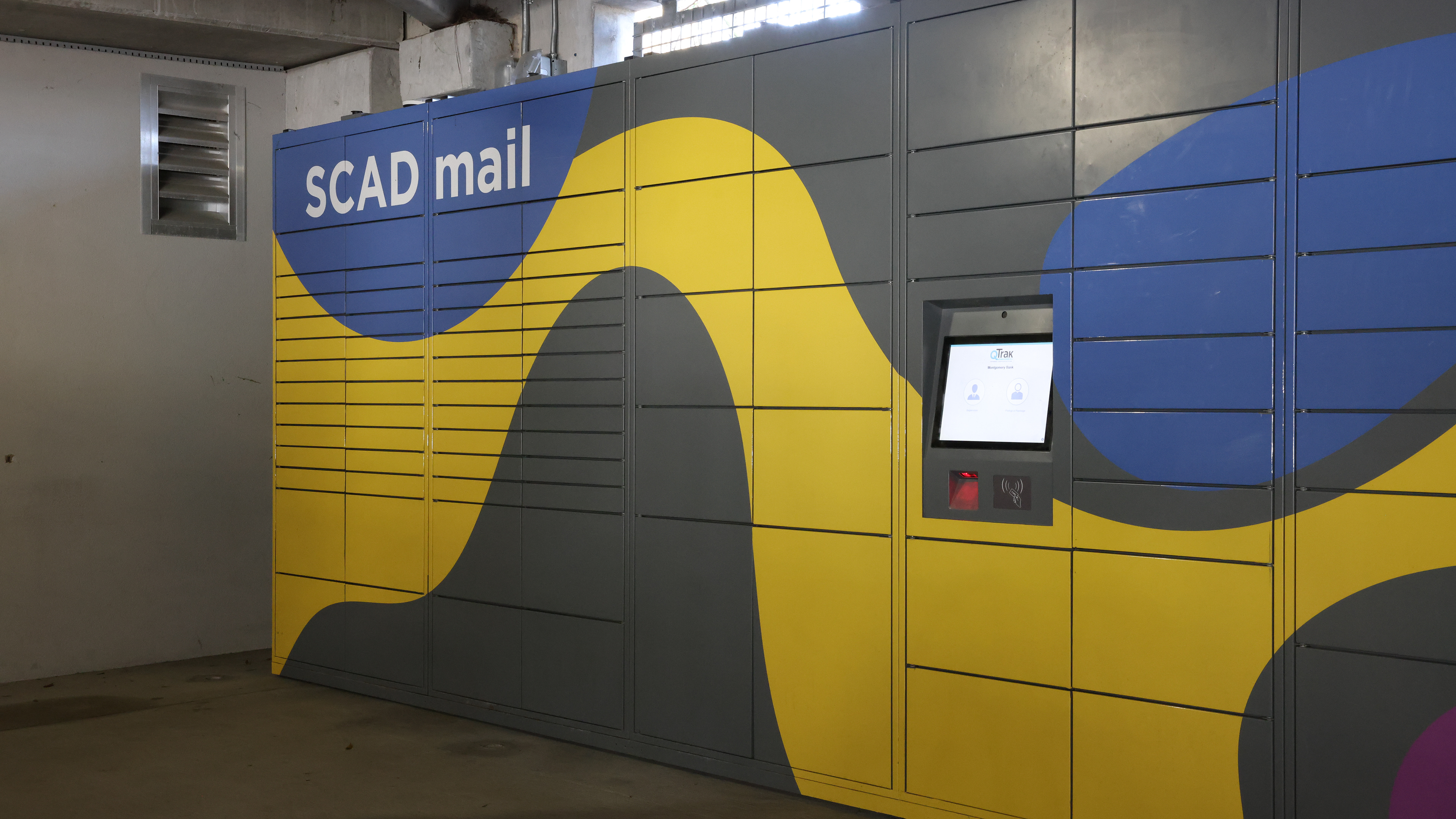
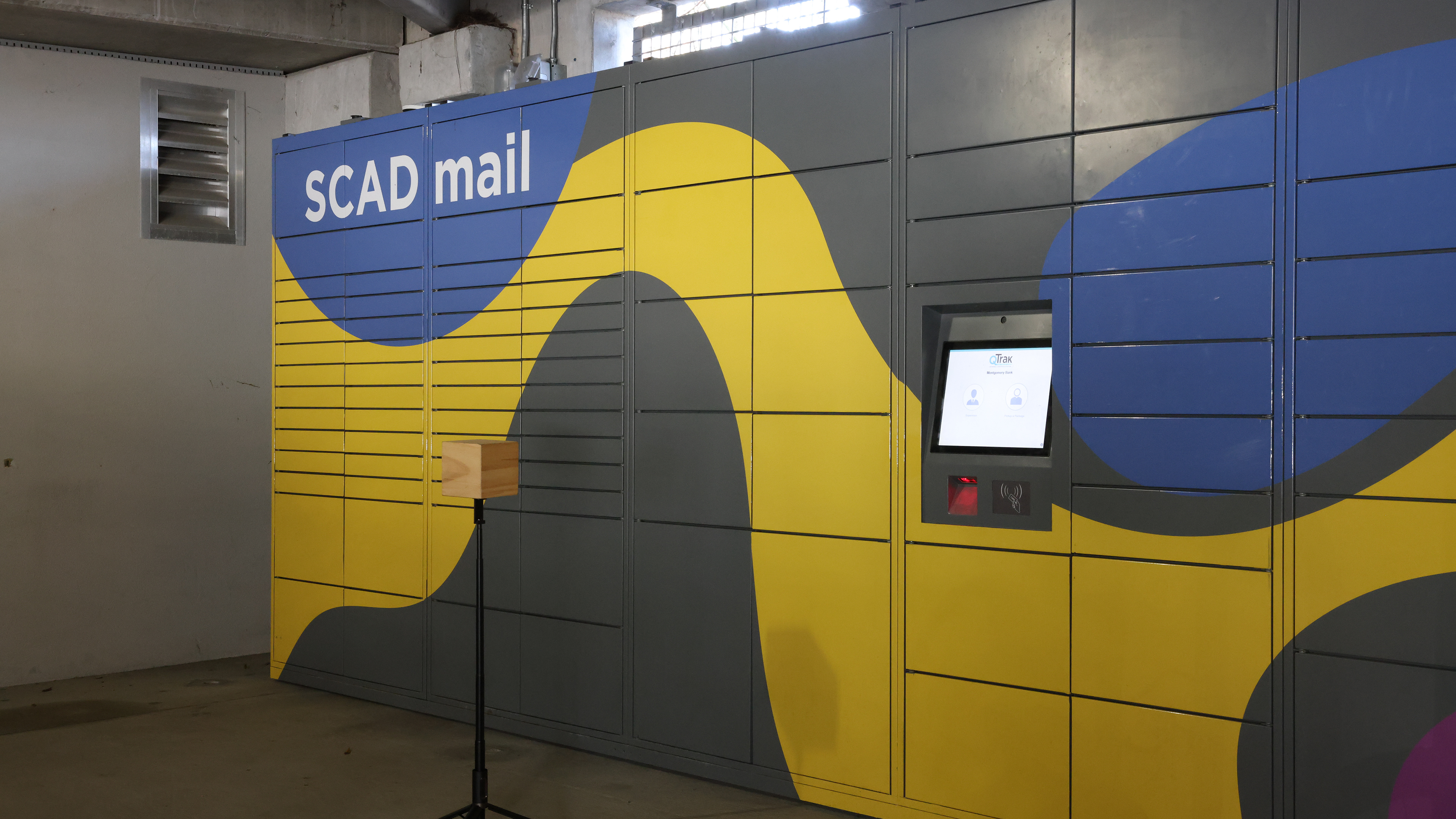
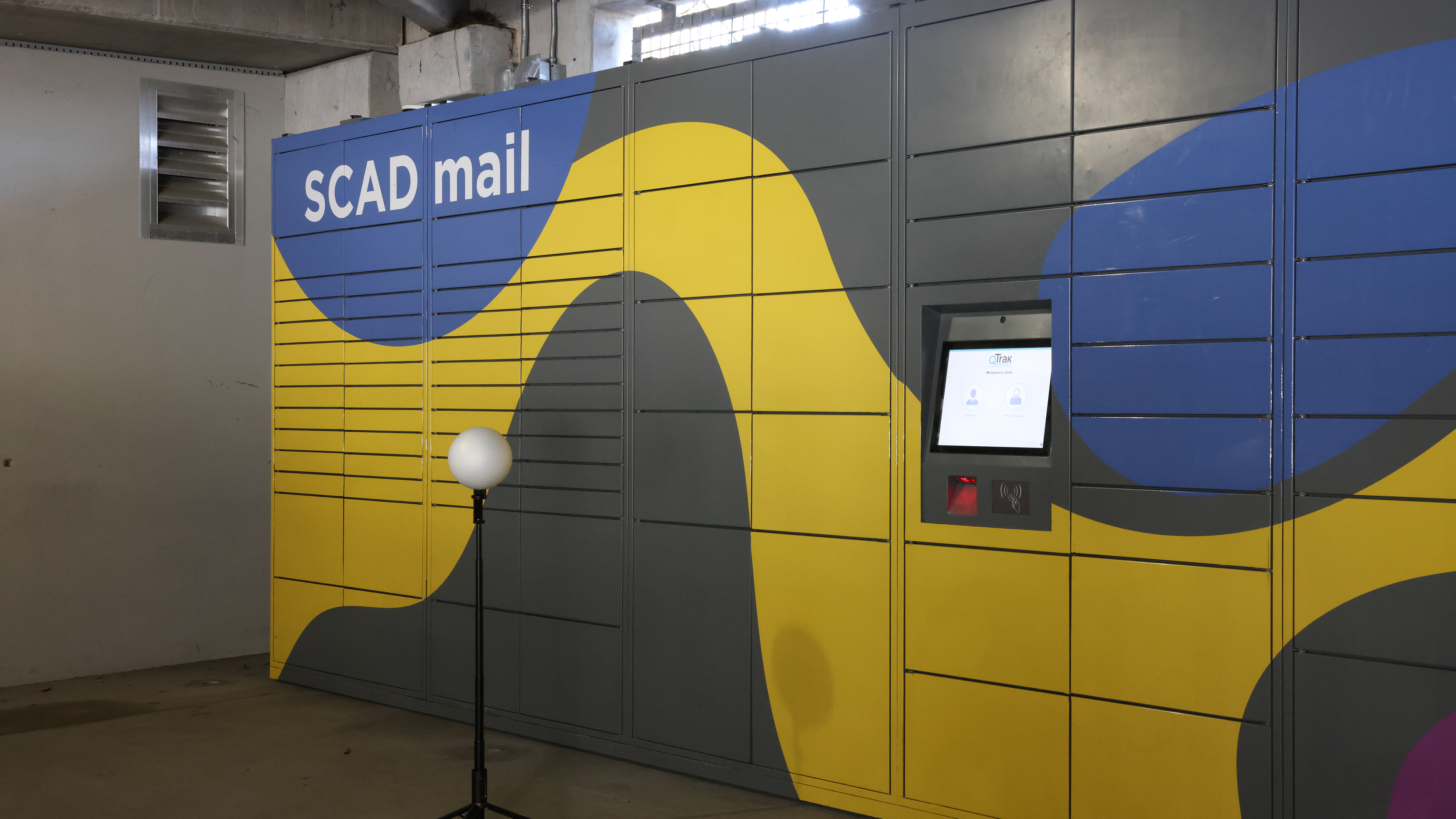
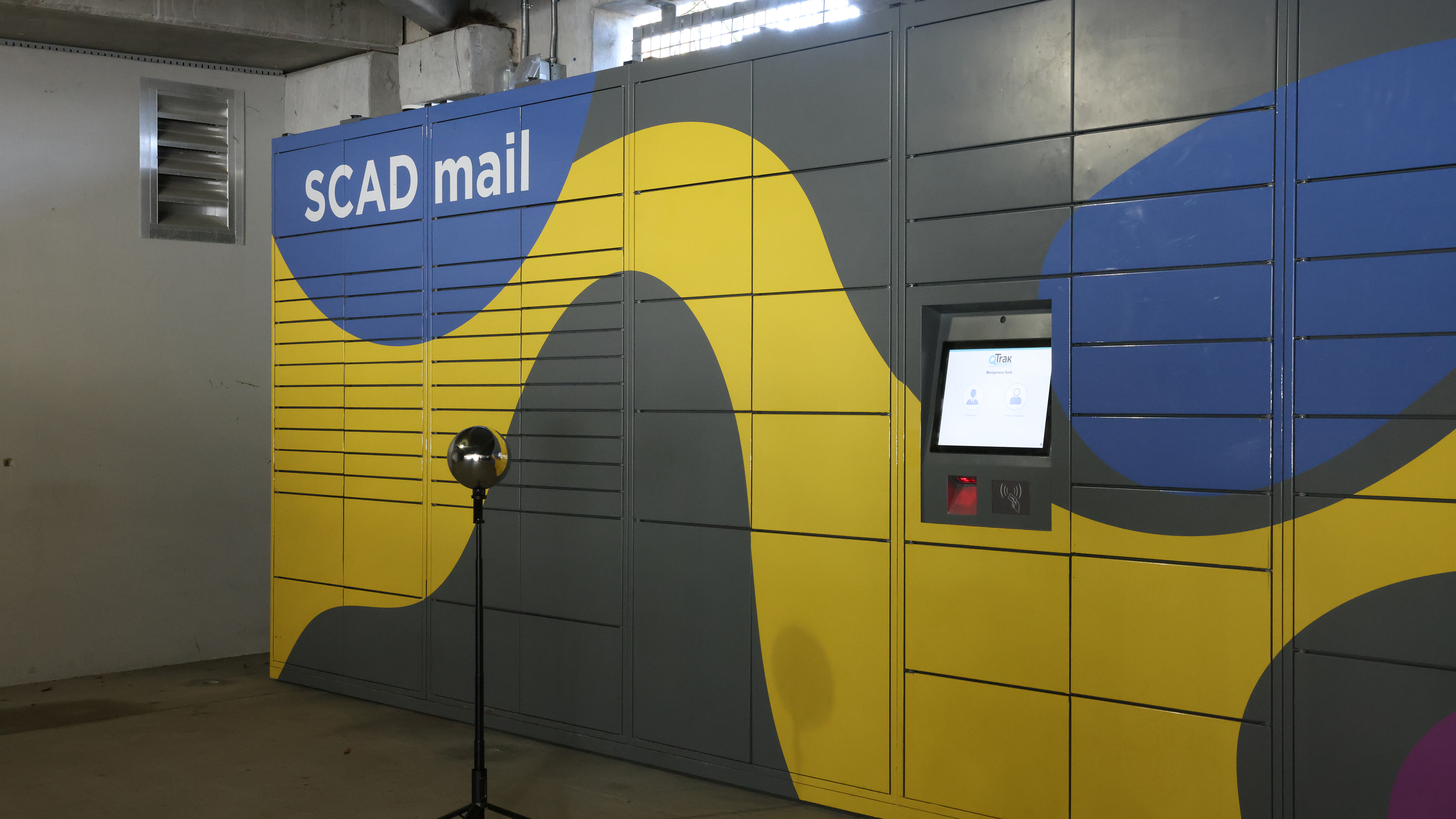
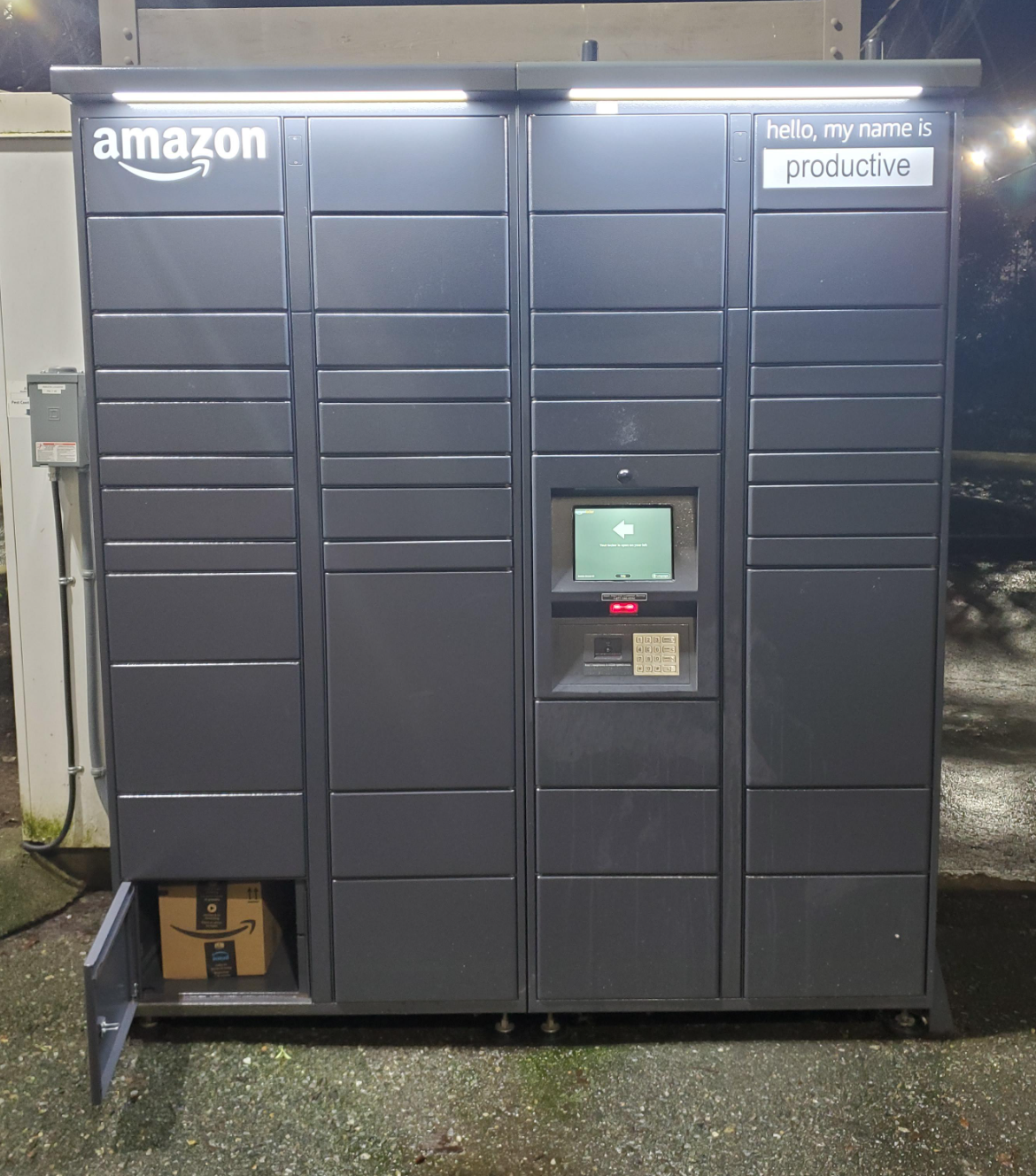
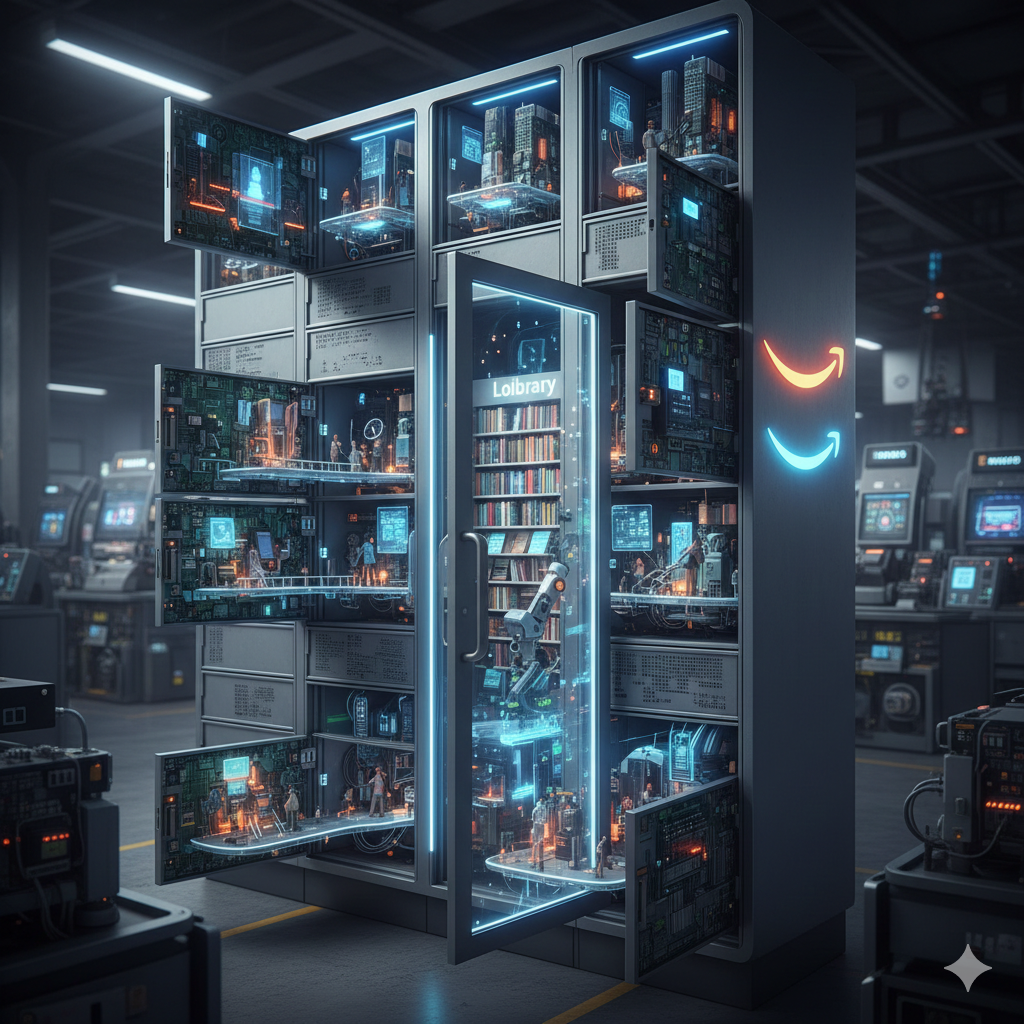
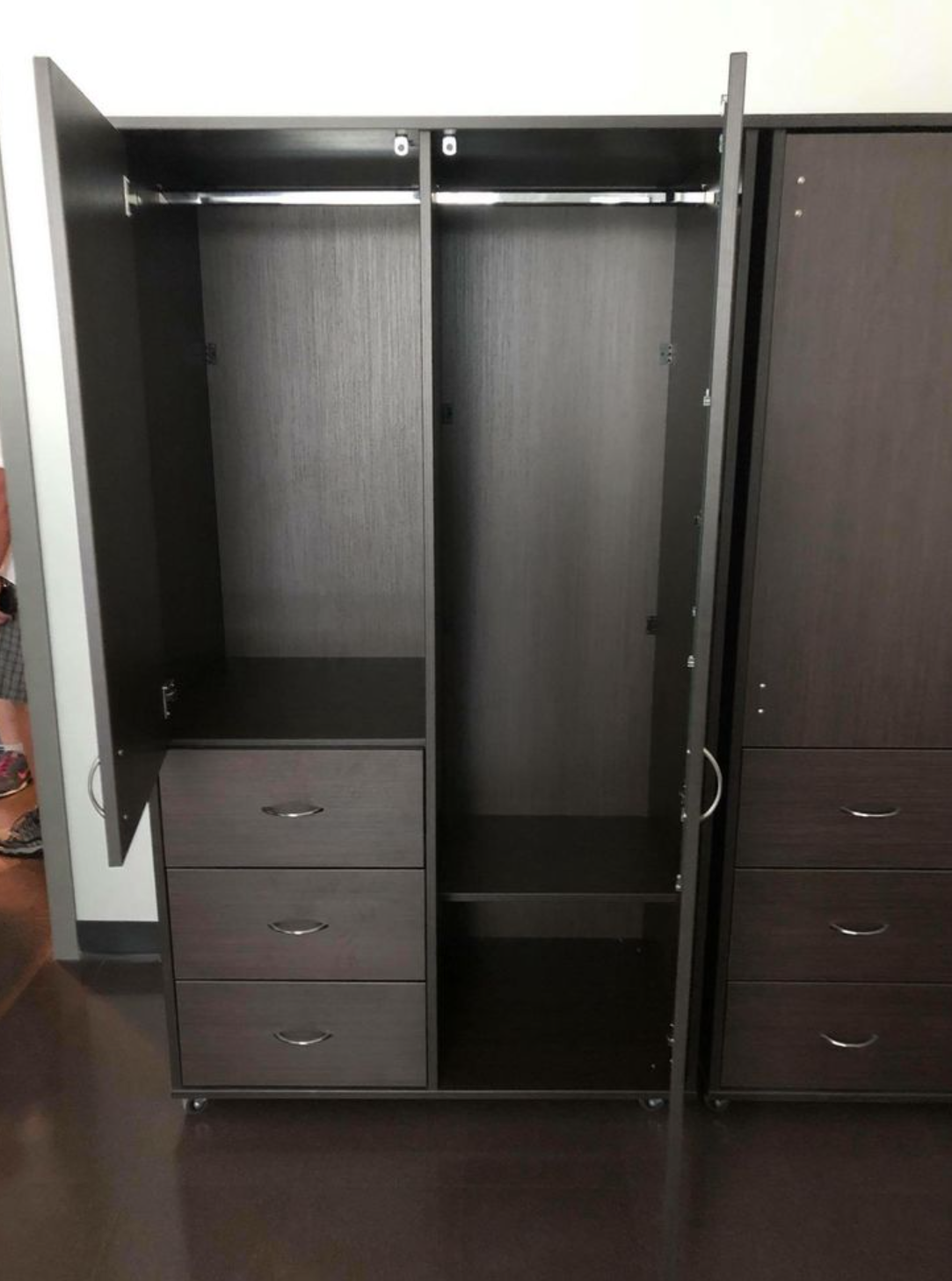
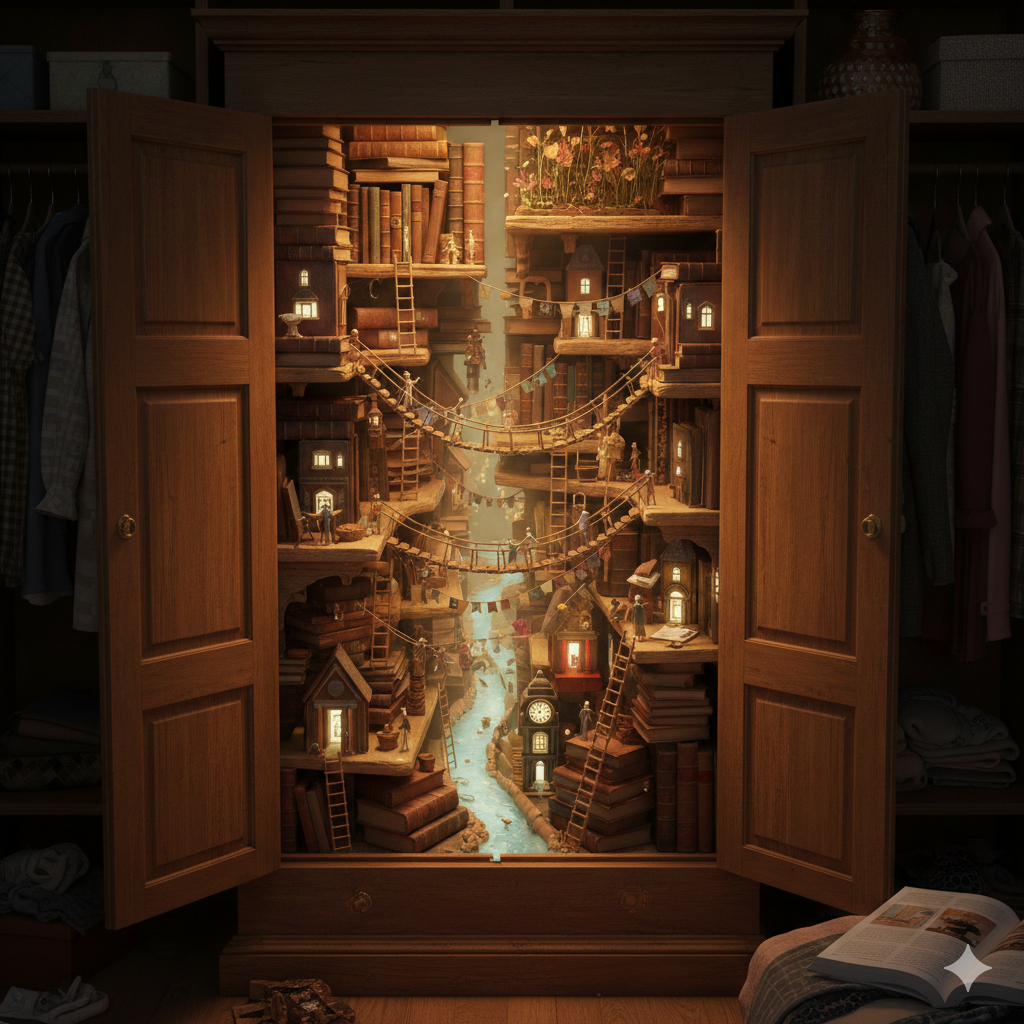
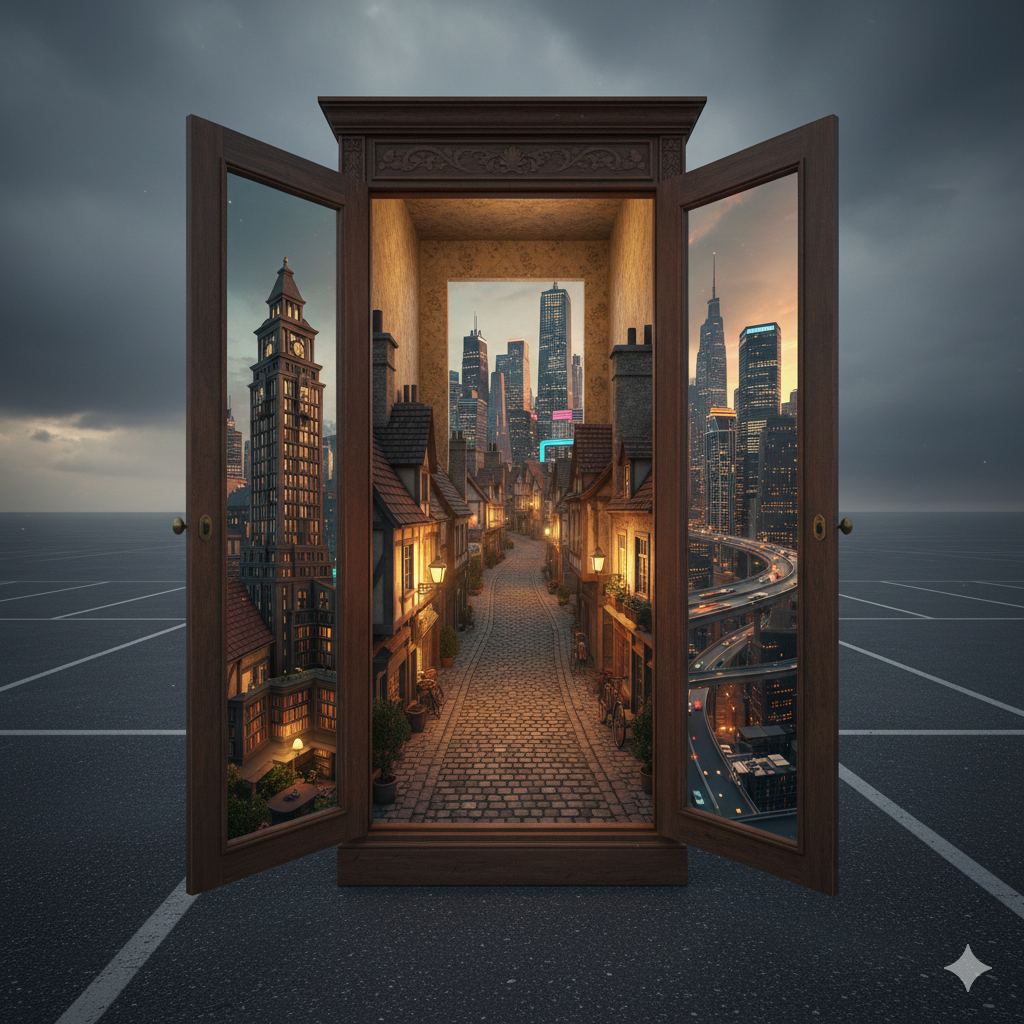
I want to either use the amazon locker in the Monty parking lot or the closet. I want to create like a portal or a street inside those or a creature pop out.
02/11/2026 - Week 06
02/03/2026 - Week 05
I setted up the Nuke for compositing.
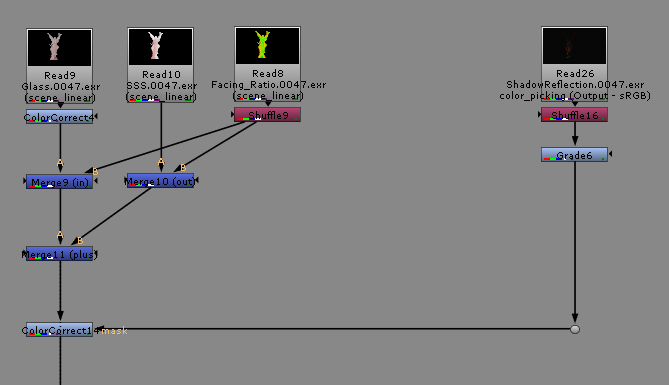
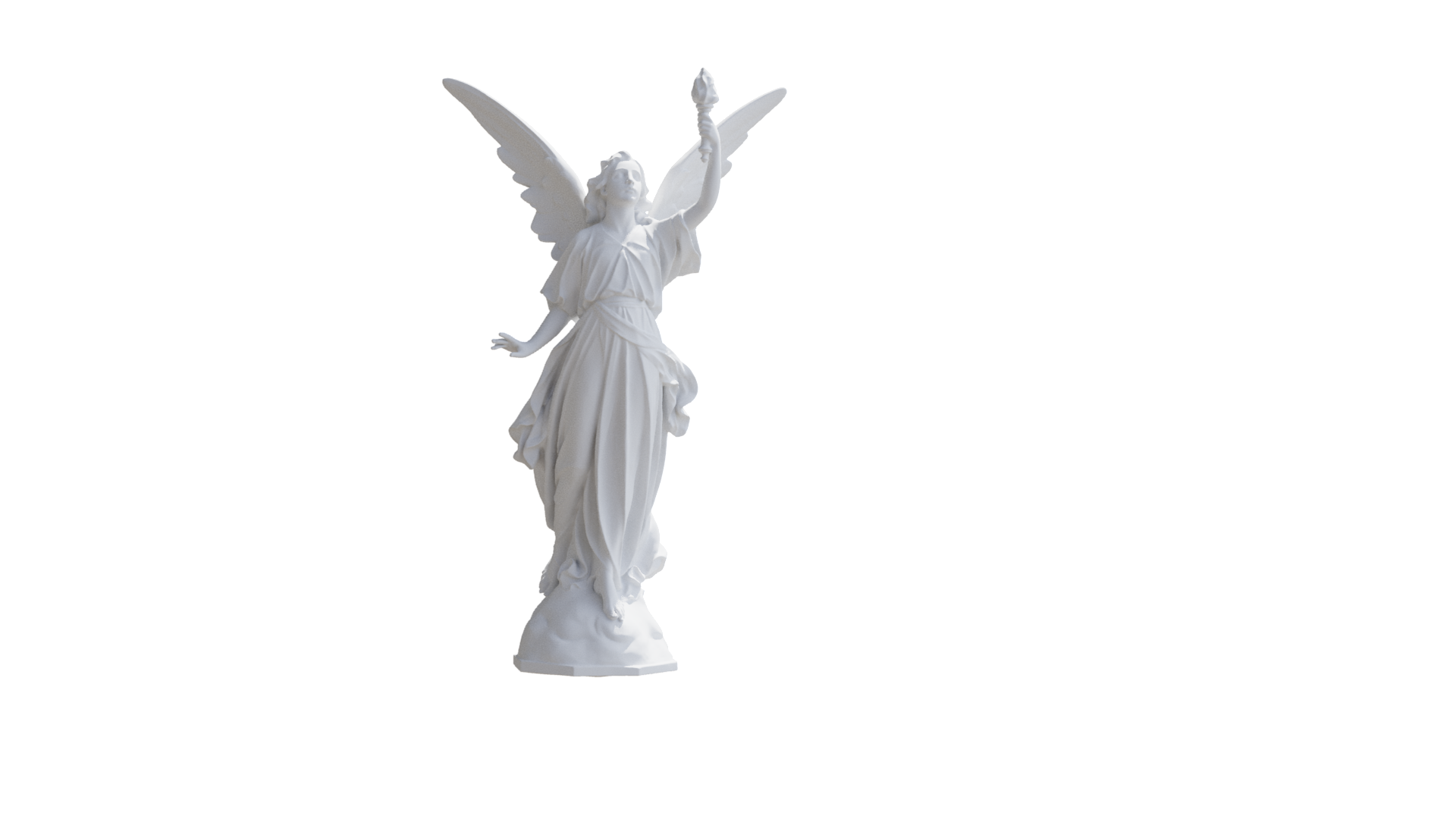
Beauty
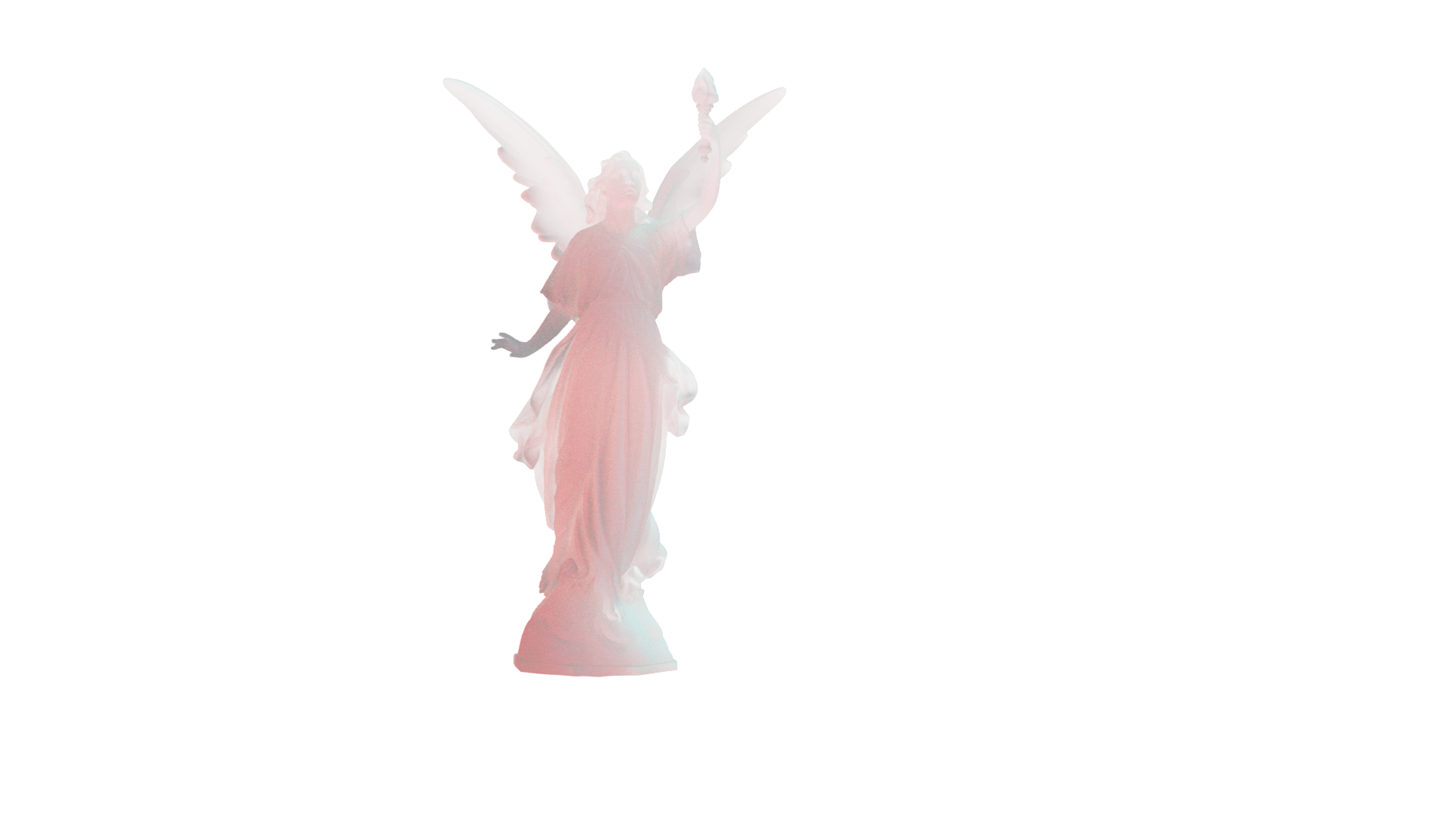
SSS
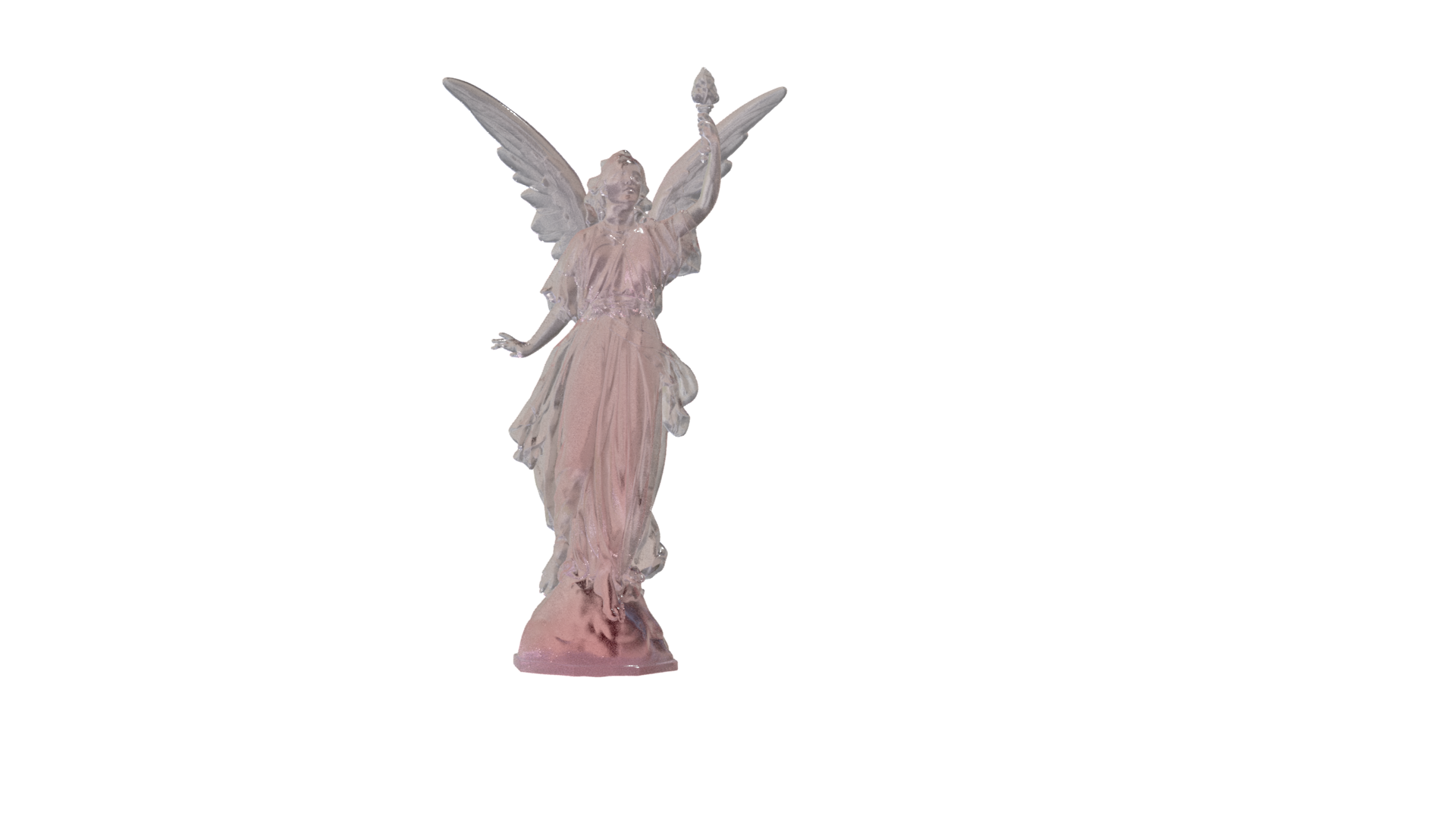
Glass
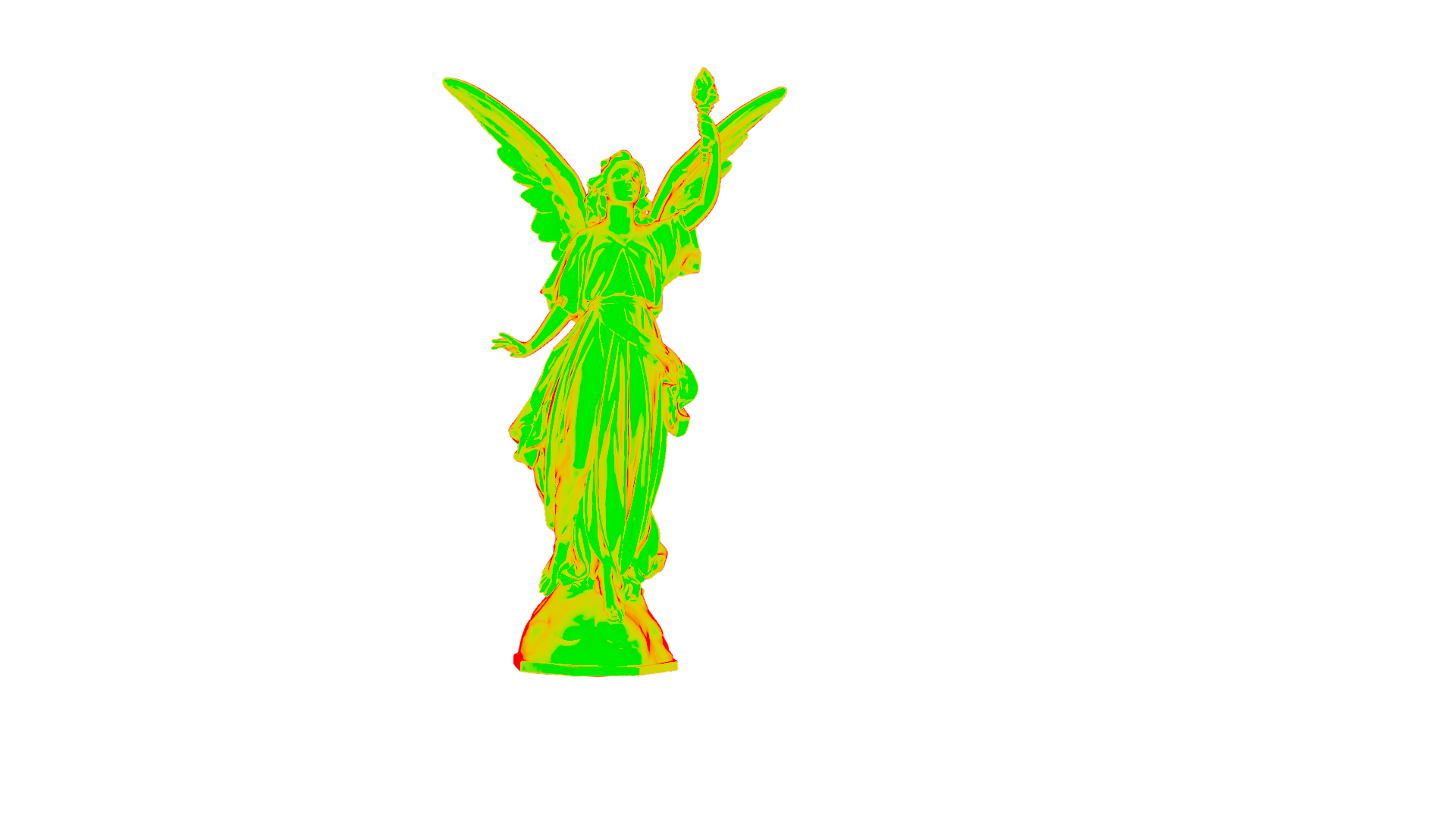
Facing Ratio

Shadow
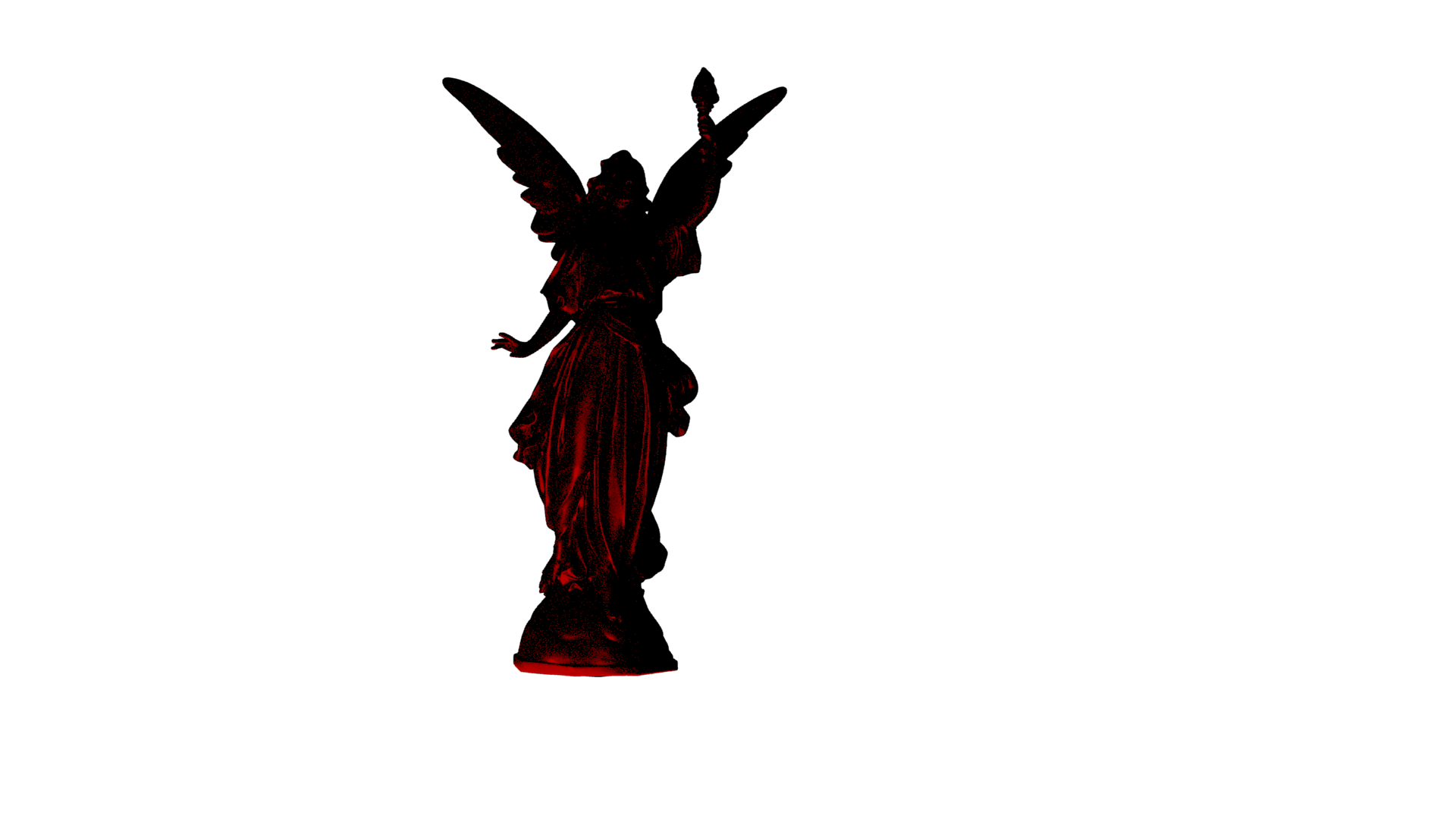
Shadow Reflection
01/30/2026 - Week 04
I visited the Forsyth Park to capture reference images and film a clean plate video for Project 2.
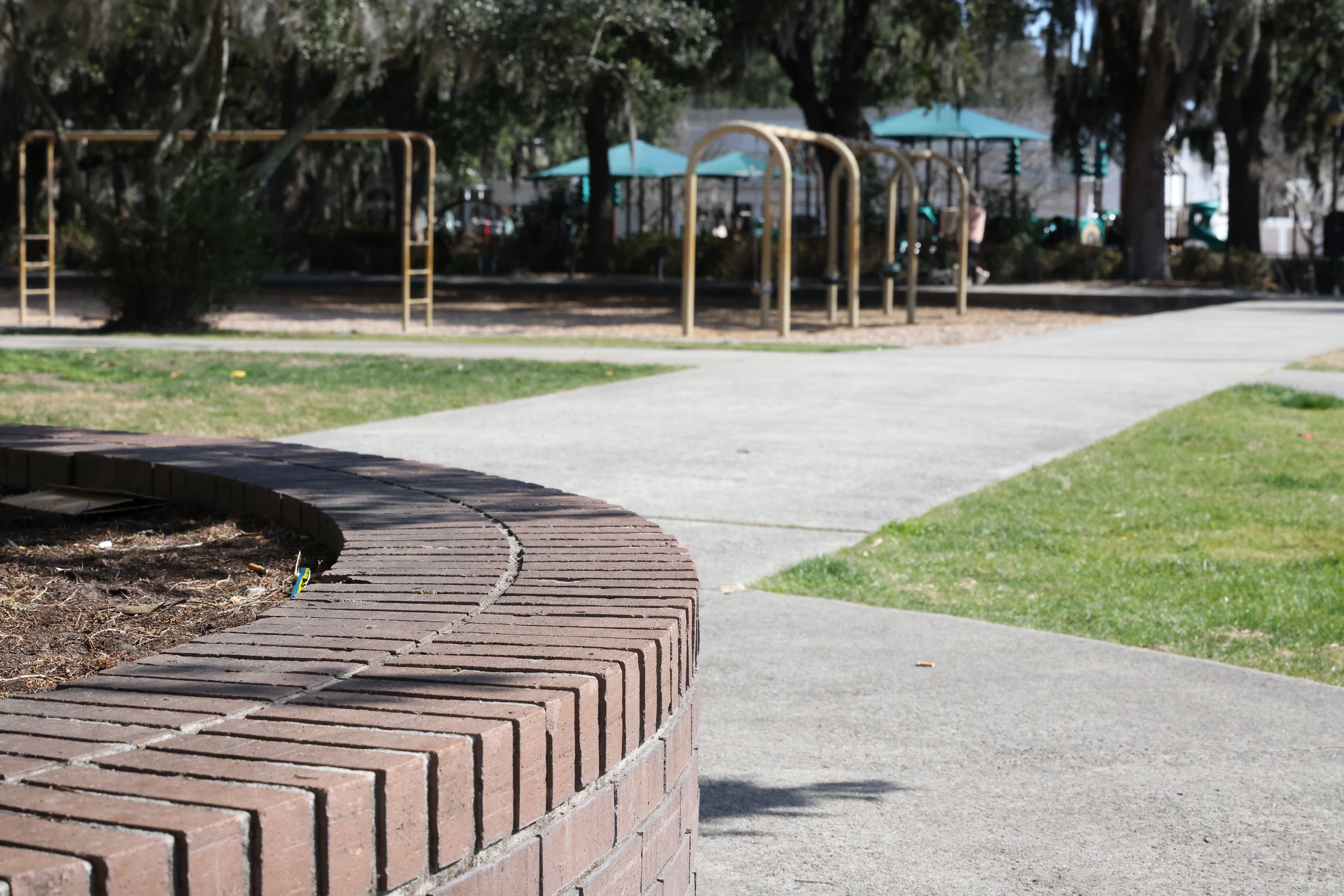
Clean Plate Image
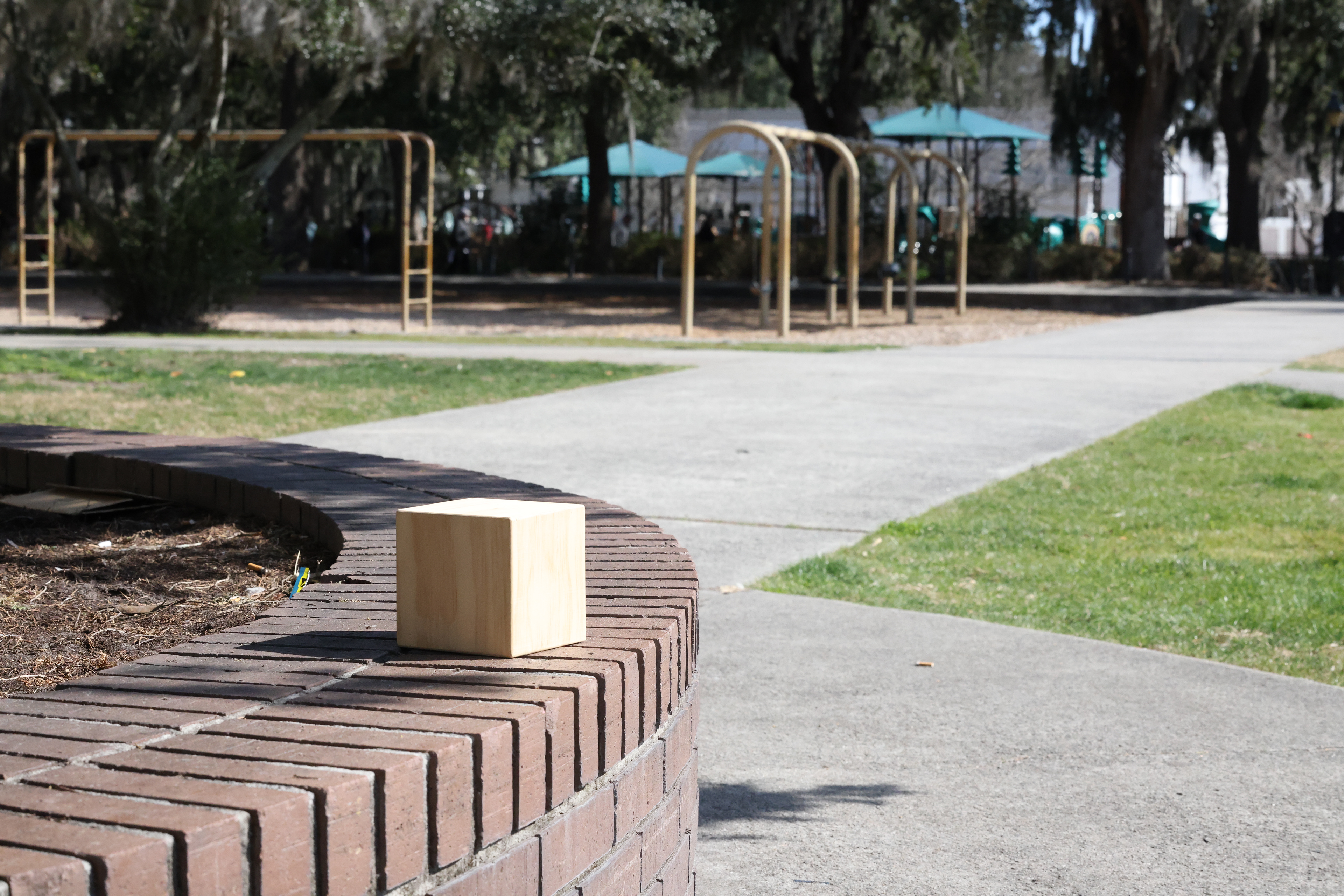
Cube Reference
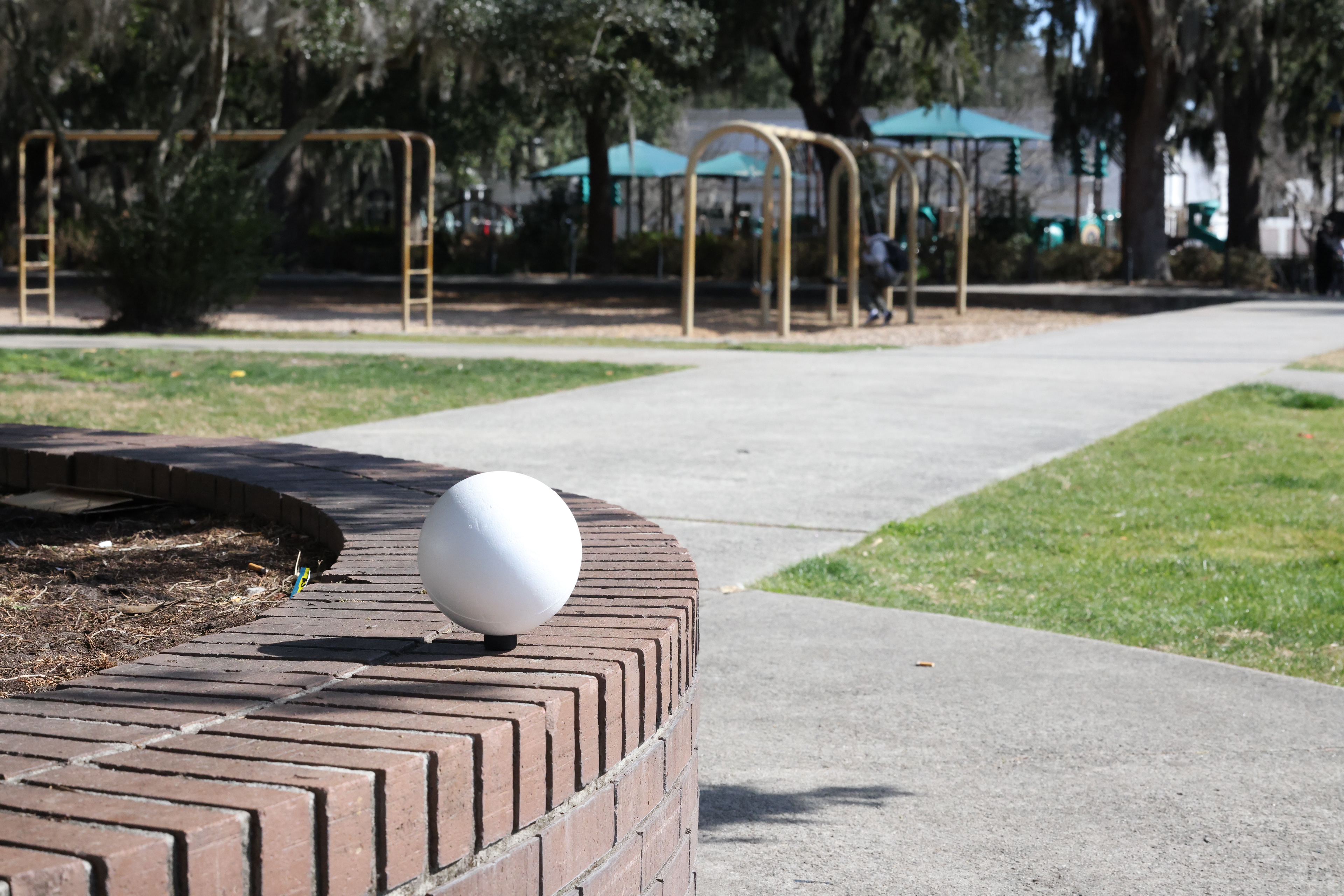
White Ball Reference
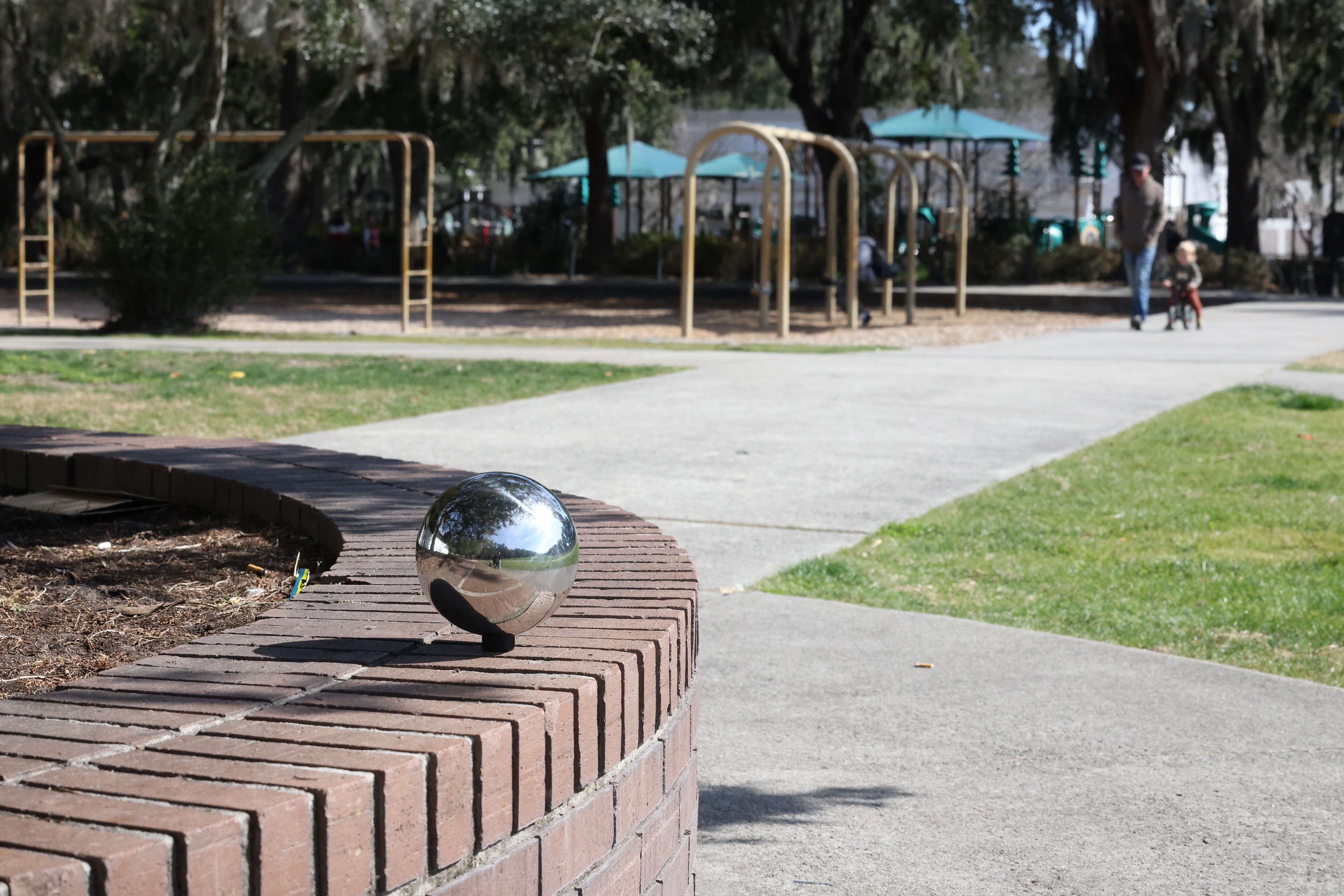
Chrome Ball Reference
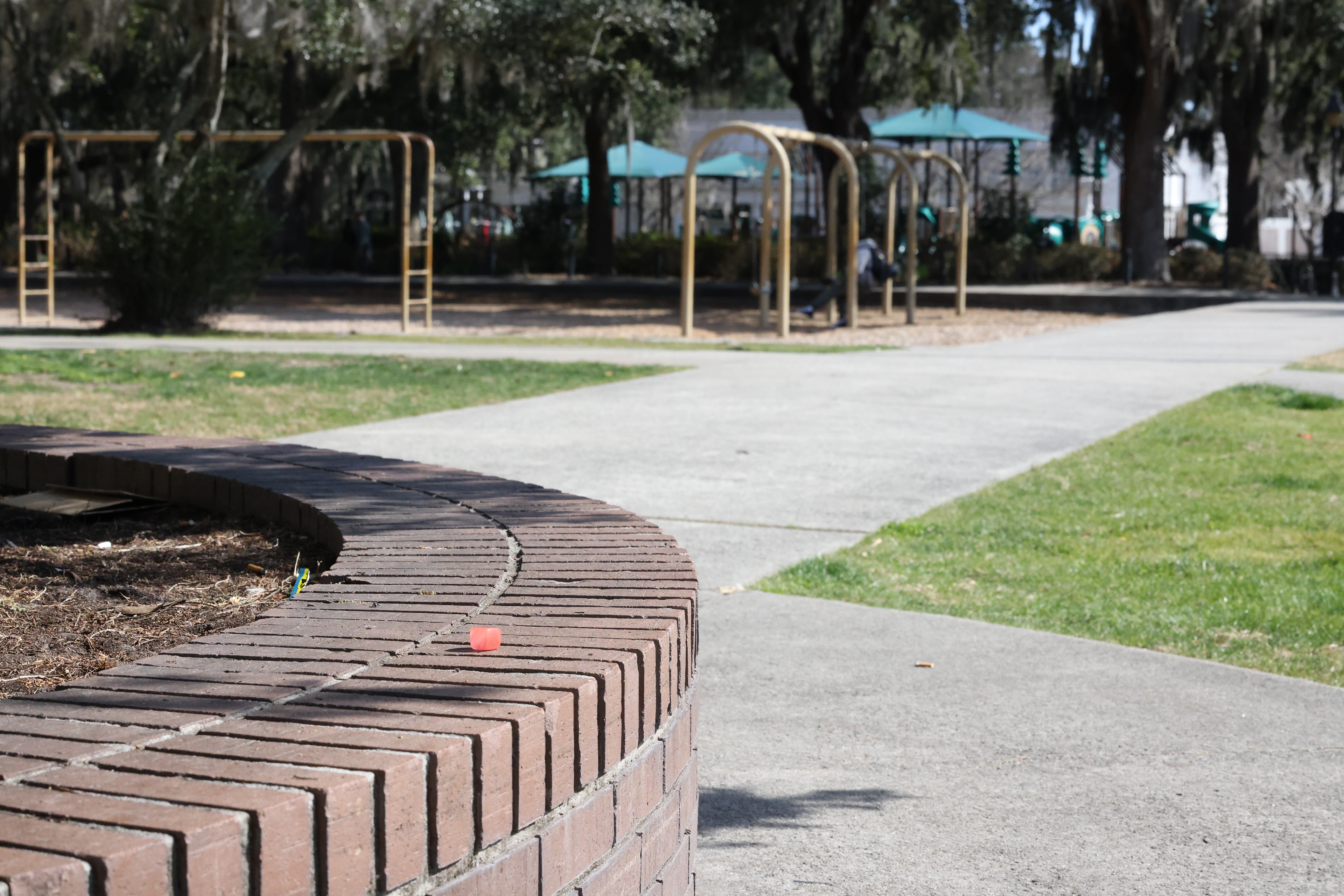
Rock Reference
In Nuke, I used the Camera Tracker (3D Classic) to generate a track. After the trakcing was set, I added a scale distance, used two points as the ground plane X and Y, and added the Axis node. This tracking data was then exported to Maya.
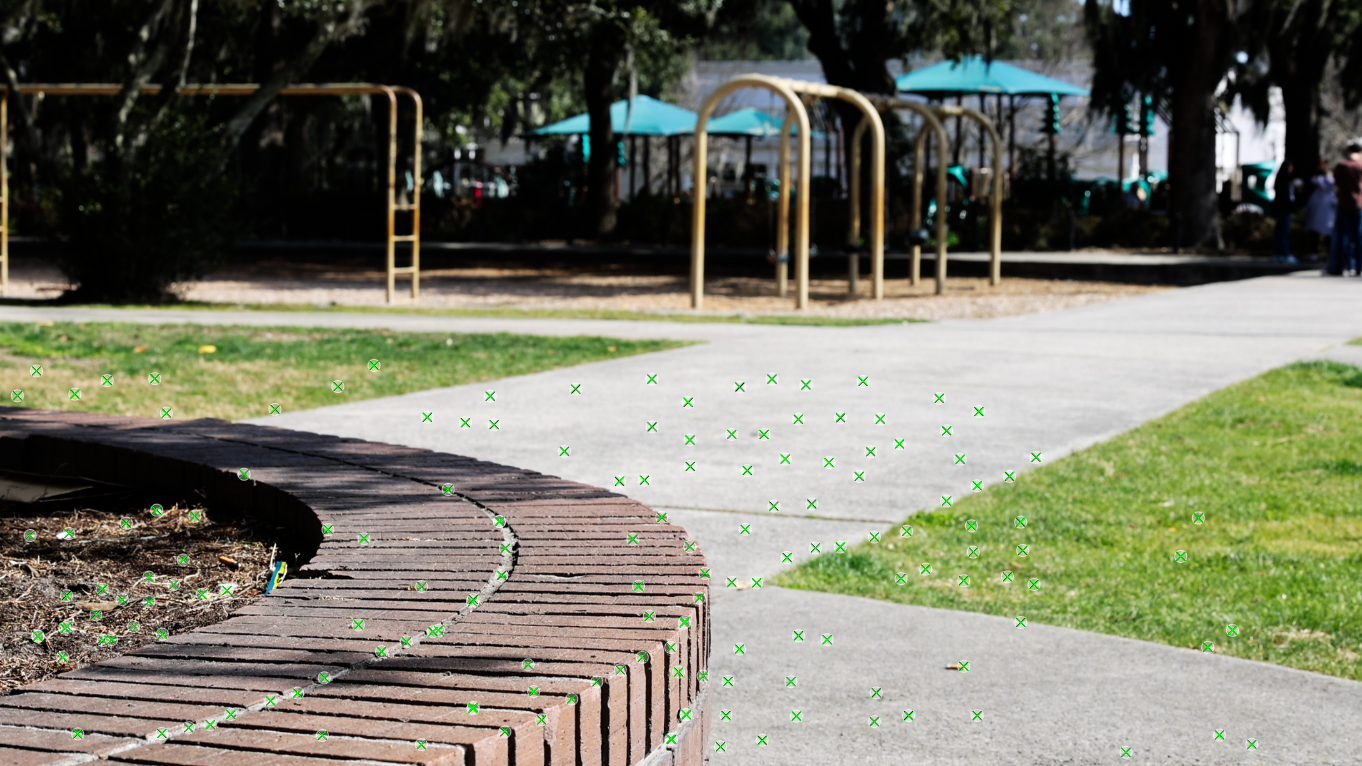
Camera Tracker in Nuke
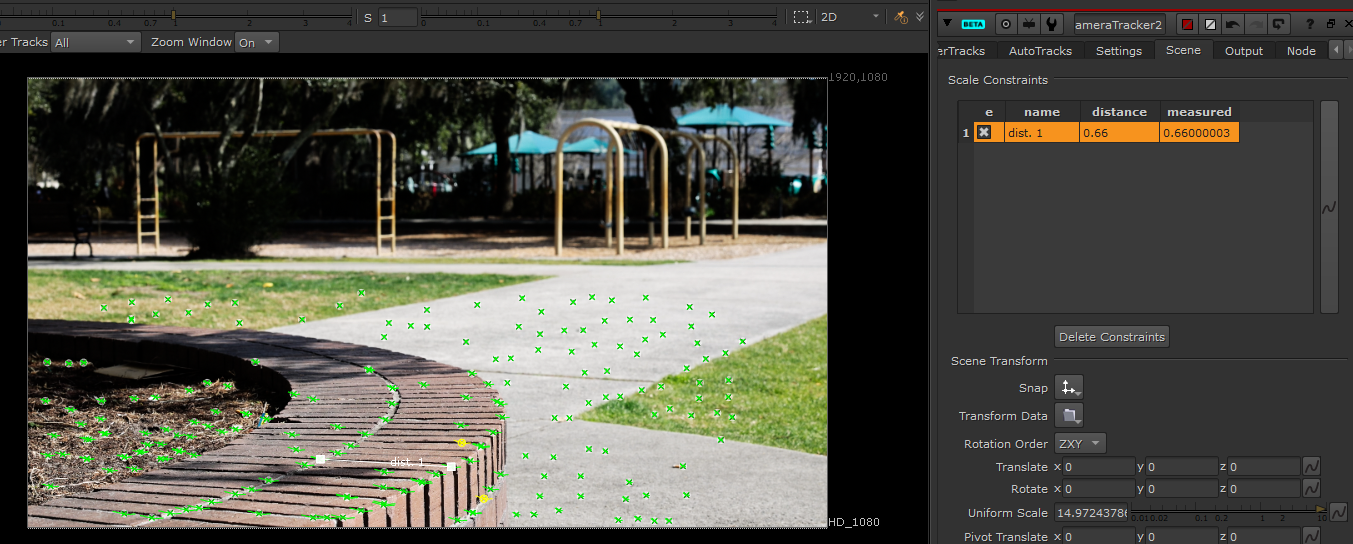
Set Distance and Ground Plane in Nuke
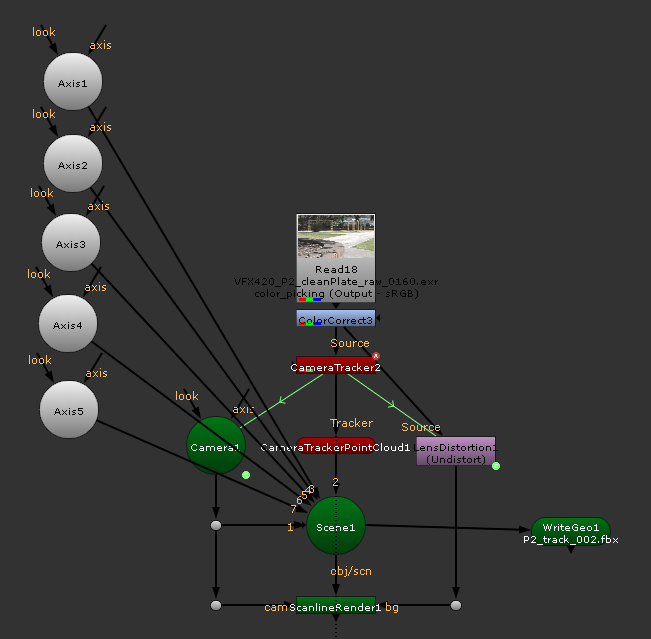
Tracking Node Tree
Below is the tracking video I rendered in Maya.
01/27/2026 - Week 04
For project 2, we will be integrating a CG element to a live-action plate using camera tracking. Below are some reference photos of the rock I plan to use as the material :
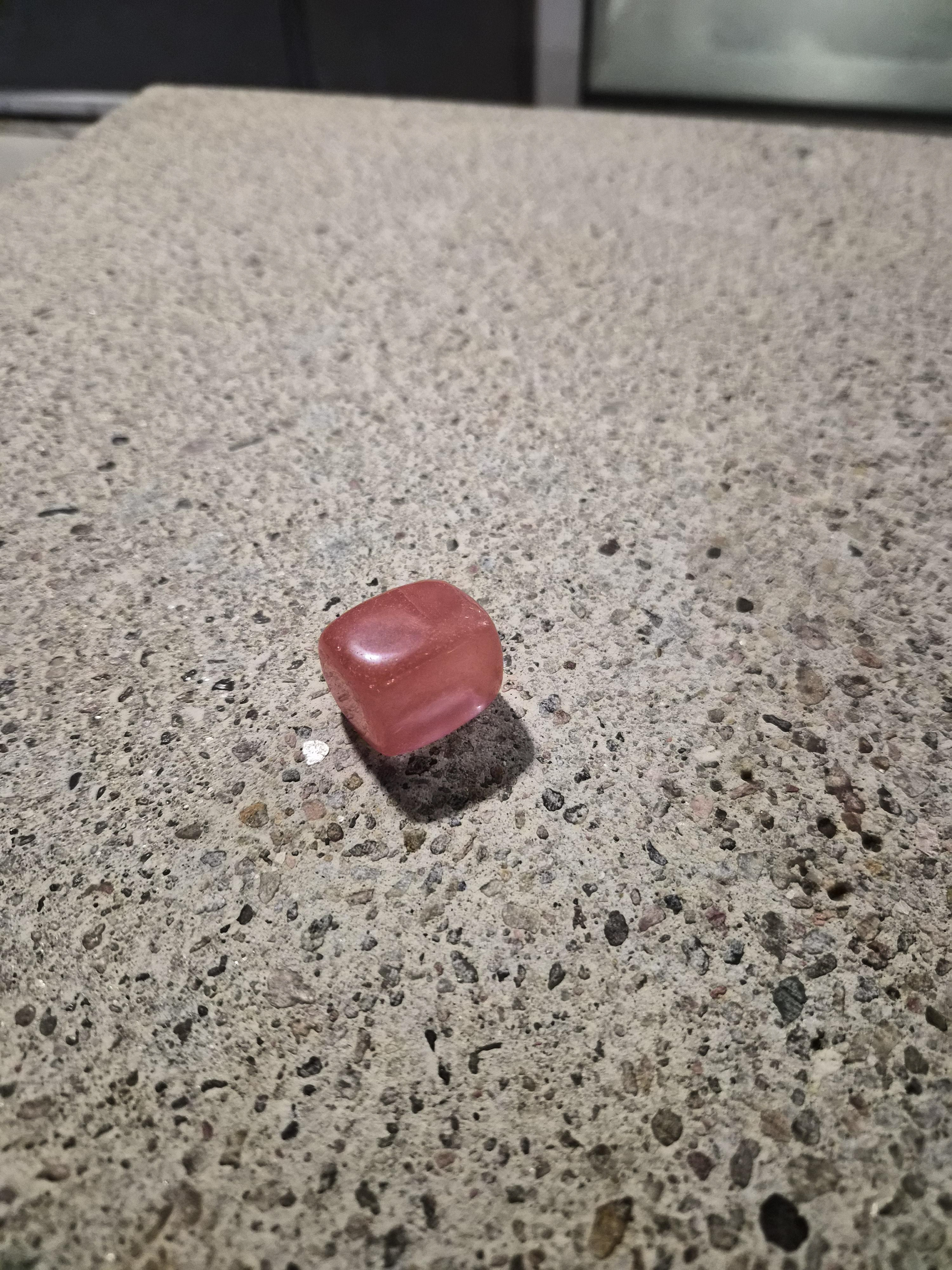
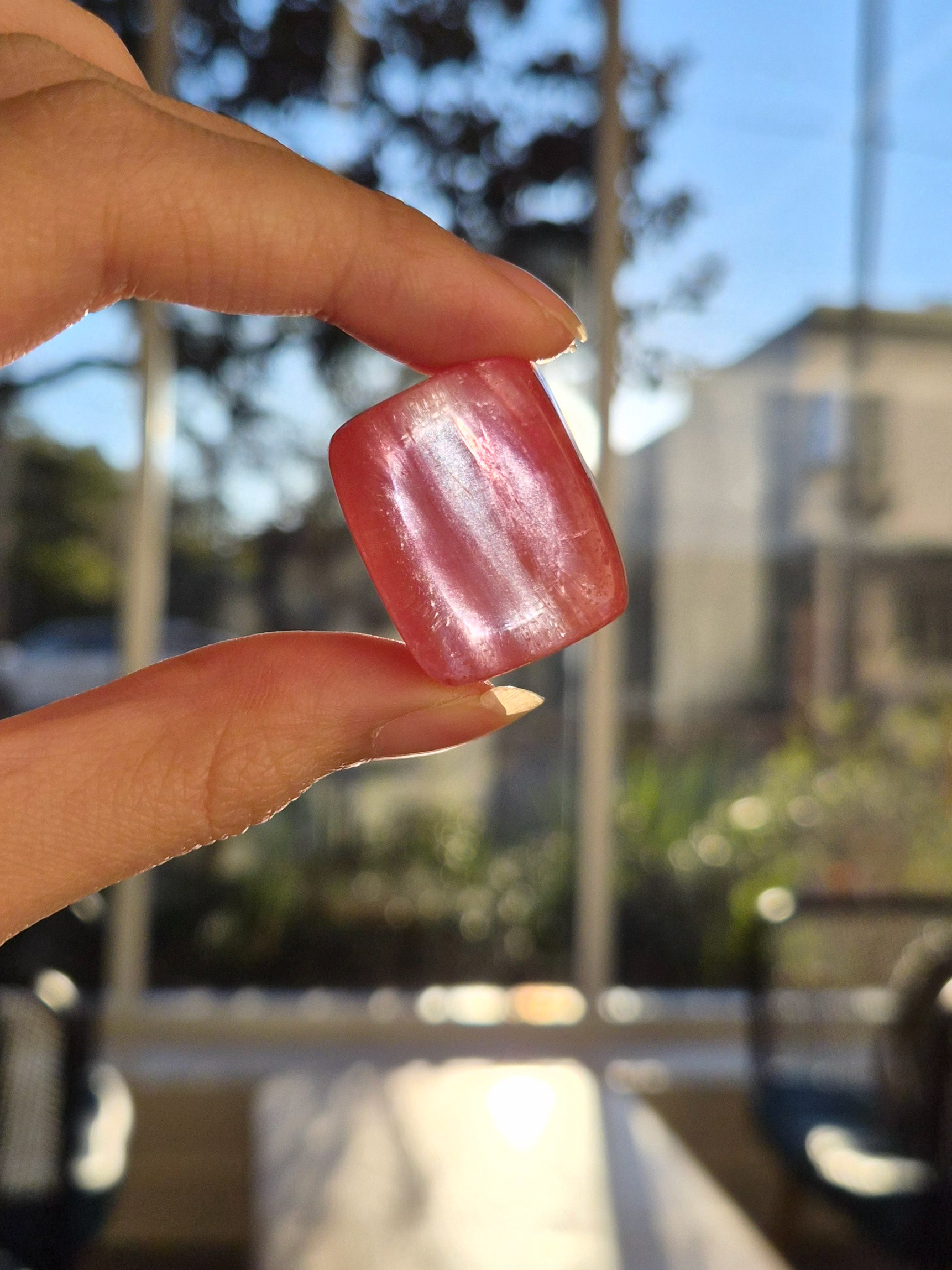
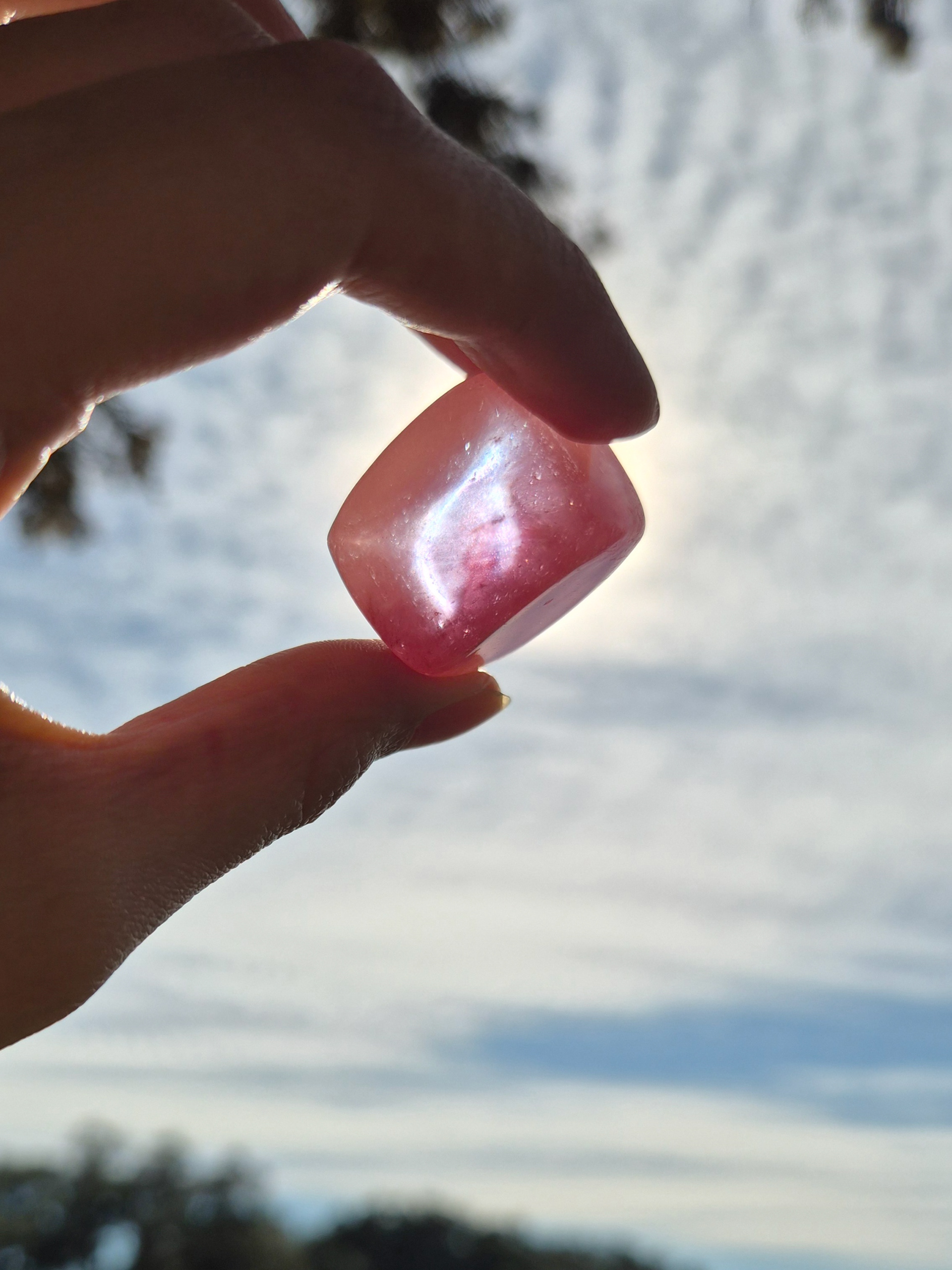
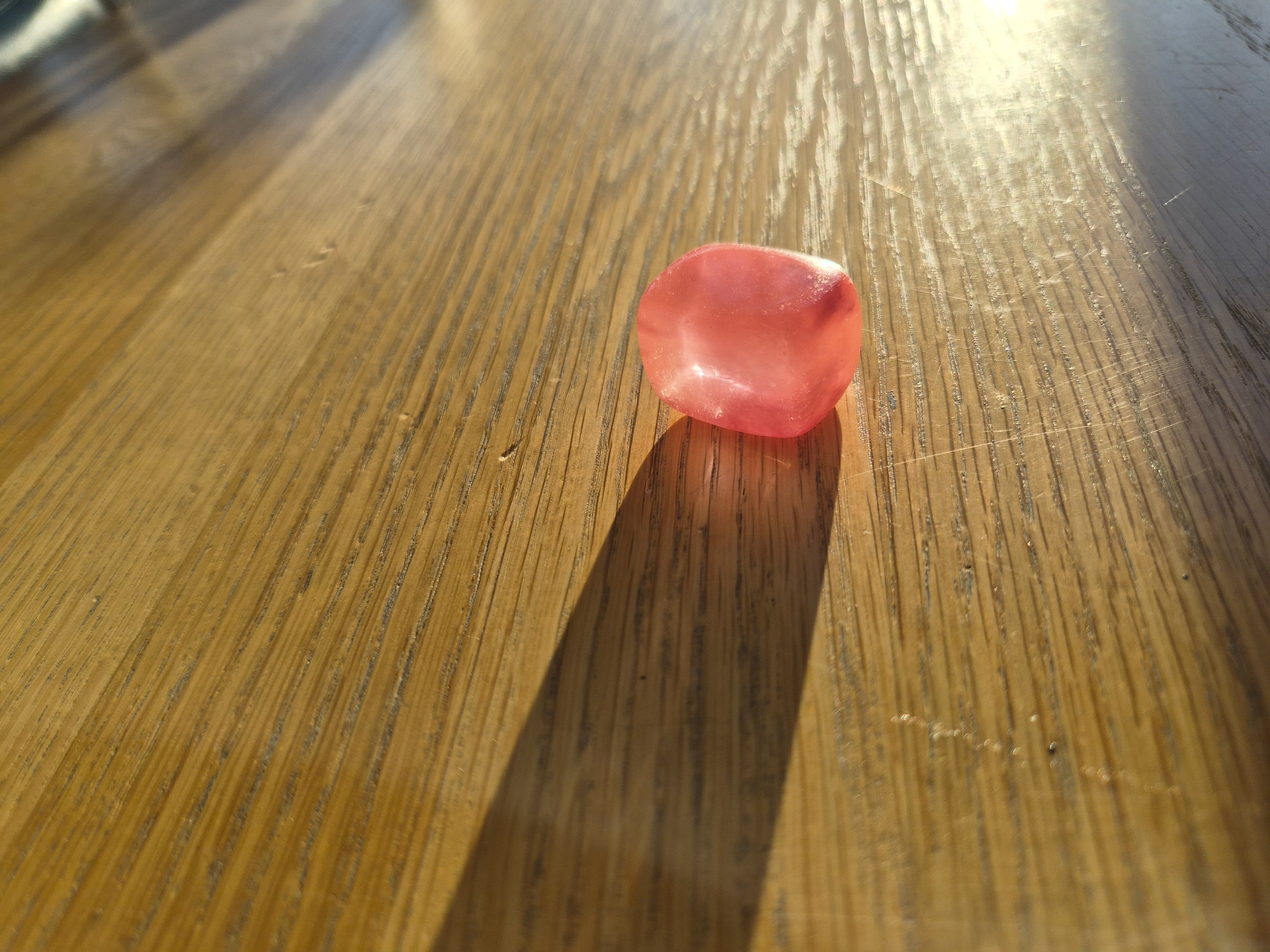
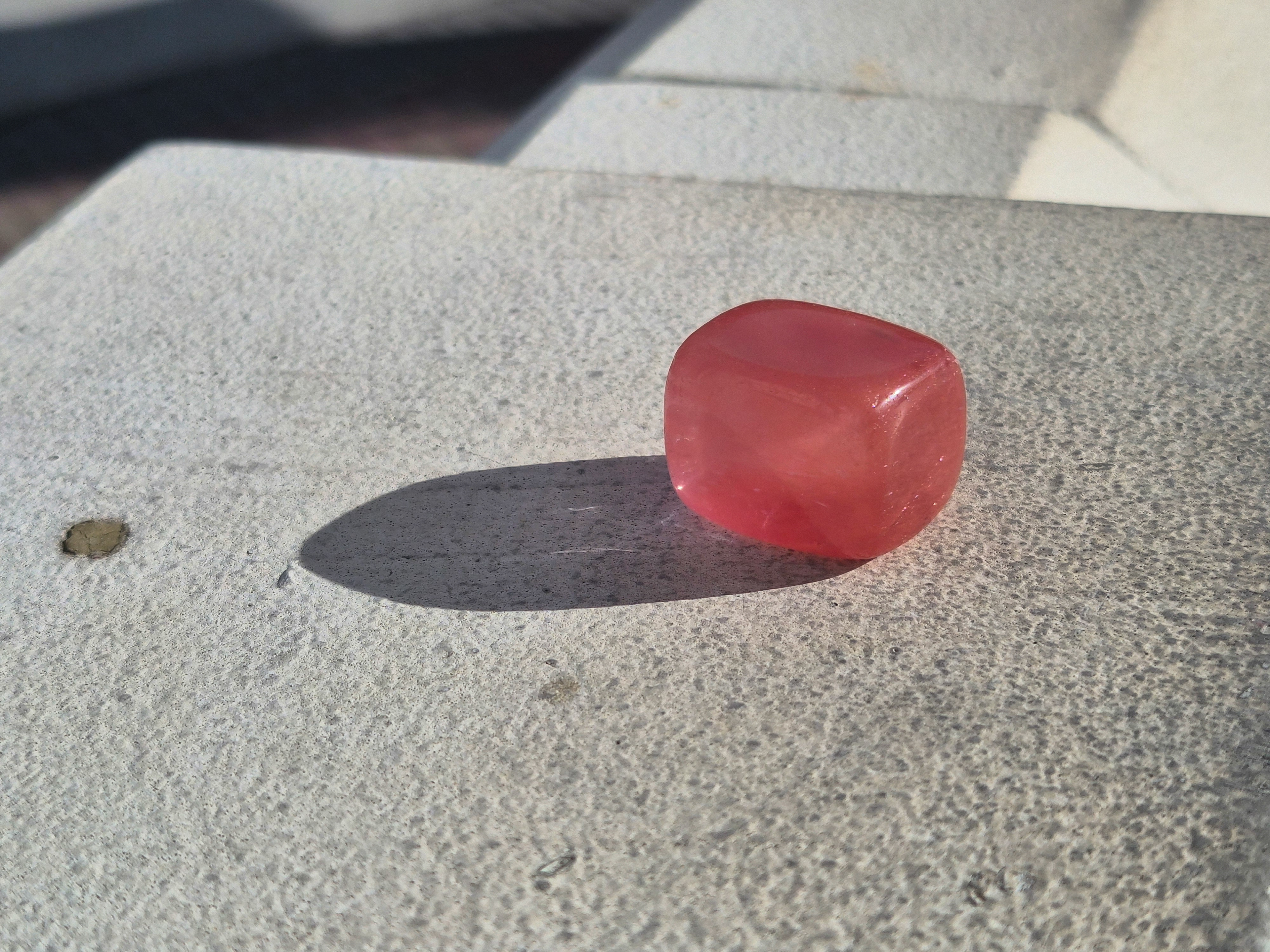
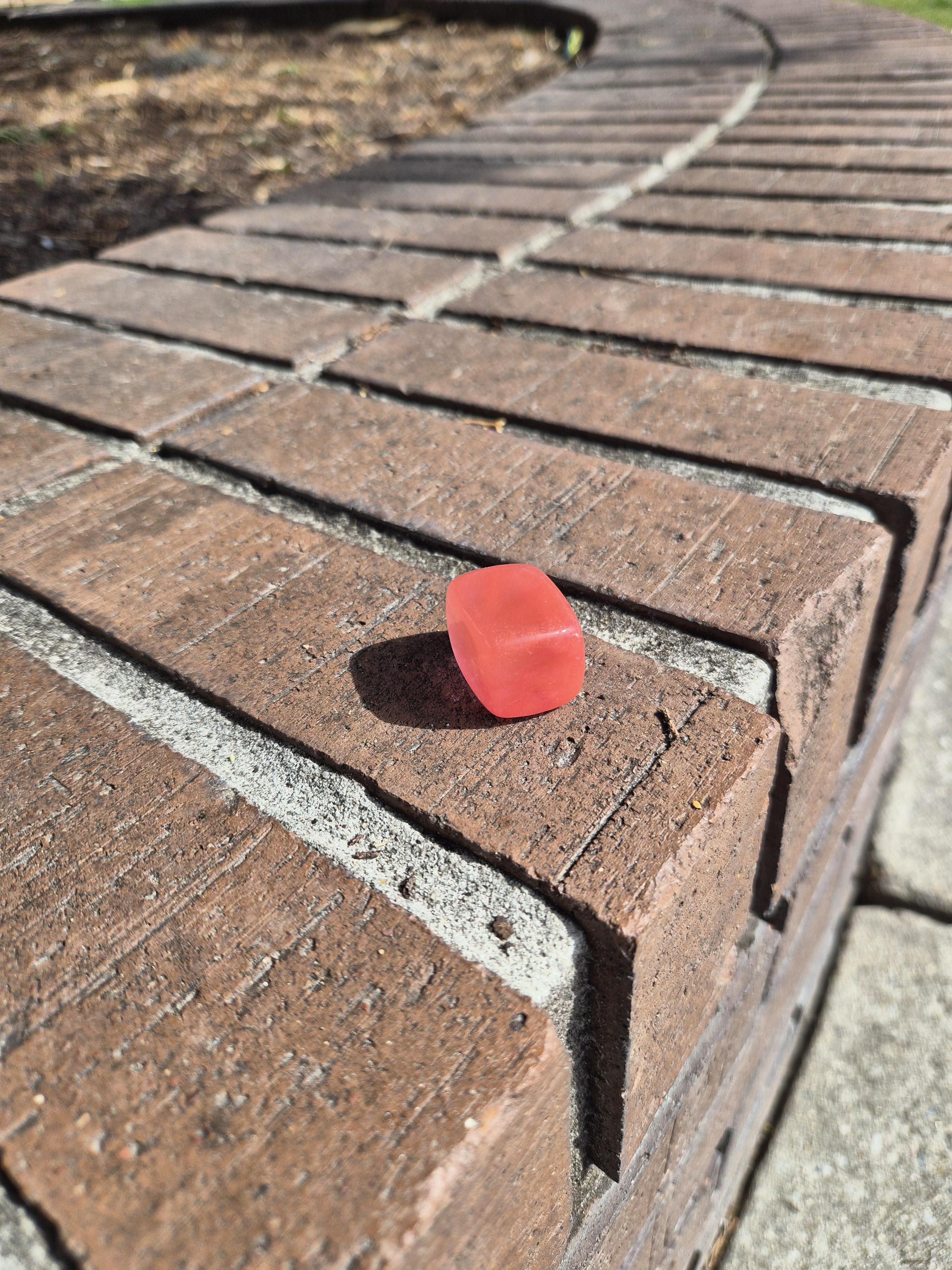
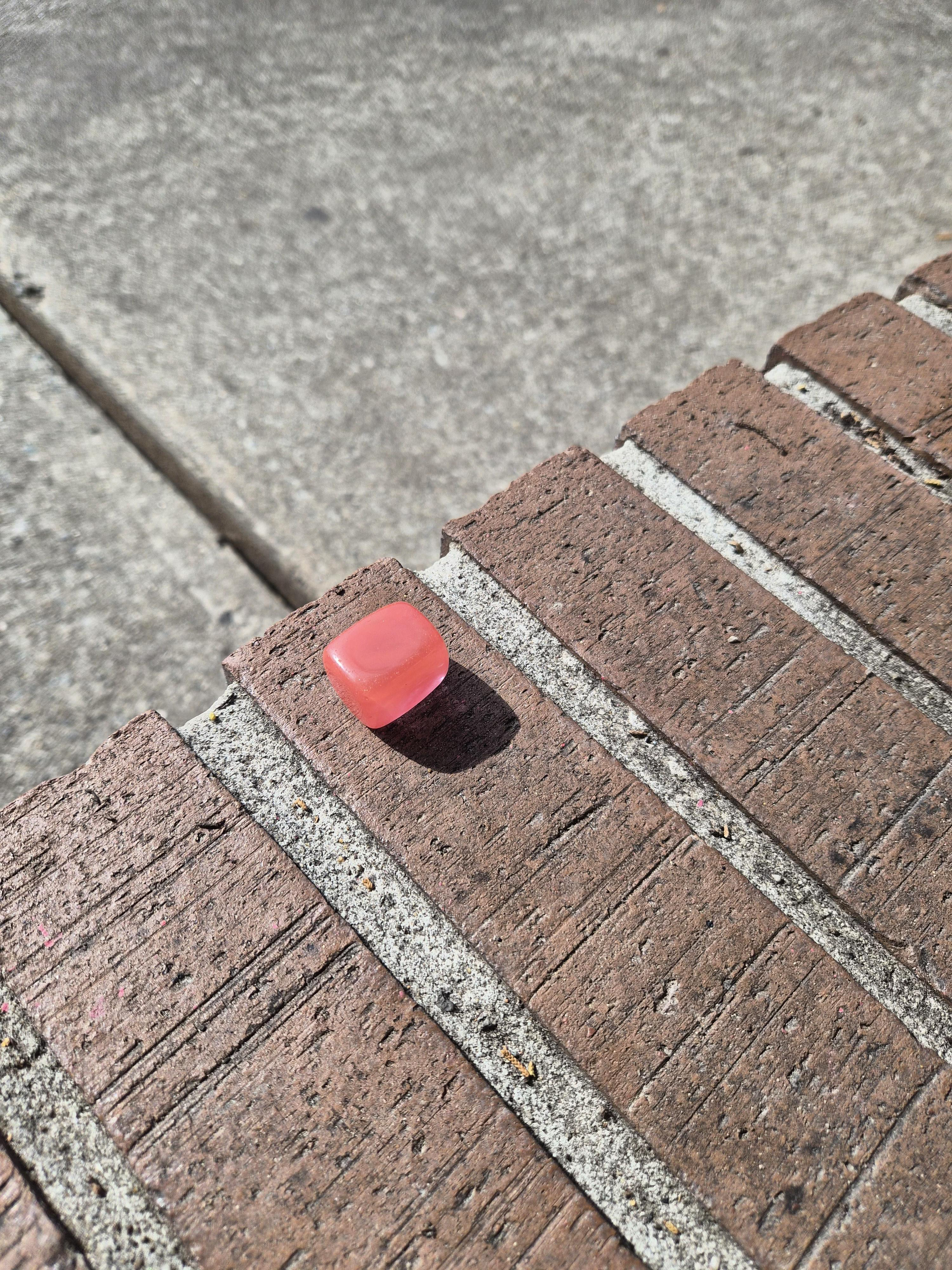
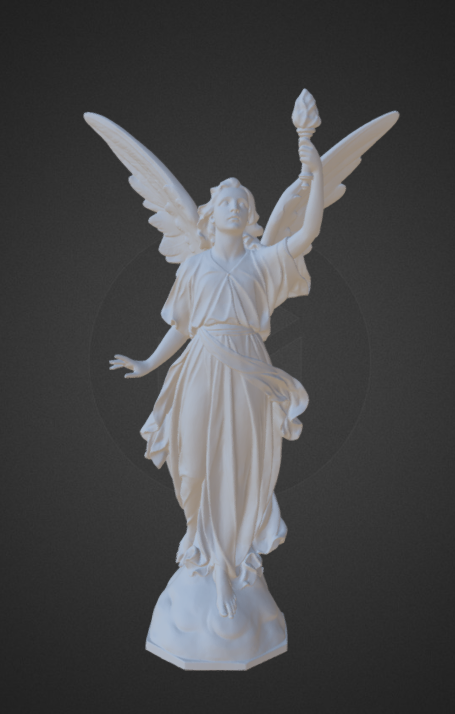
I chose Lucy as my CG object. She's one of the models from the Stanford 3D Scanning Repository. Since the original file format was not compatible with Maya, I found a version of 3D model from Sketchfab.
01/24/2026 - Week 03
01/20/2026 - Week 03
01/17/2026 - Week 02
To create the environment shadow on CG object, I created the camera from the key light and used it to generate a rough shadow map in Photoshop. The map was then imported into Maya and projected onto the object.
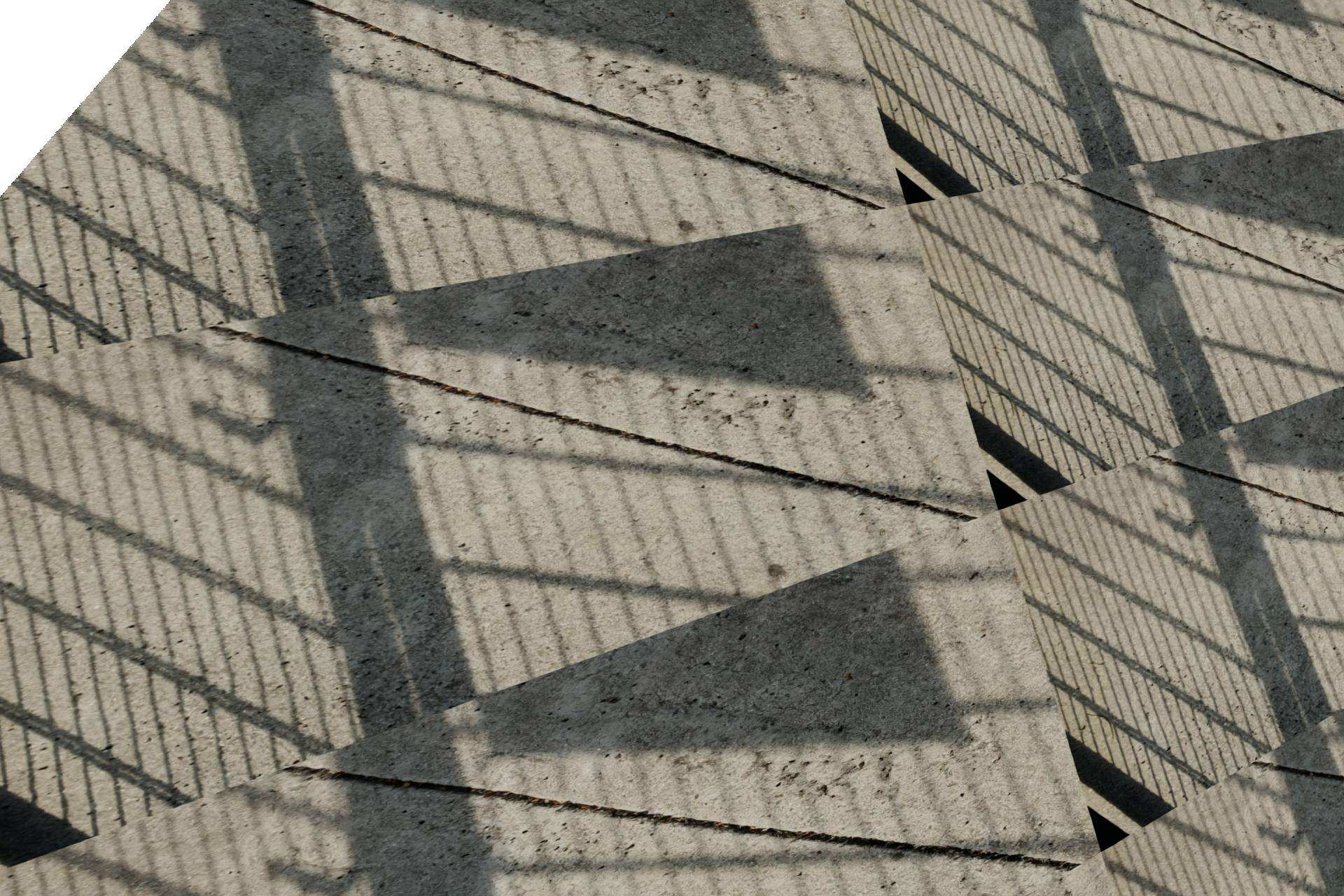
Prep For Shadow - Maya

Painted For Shadow - Photoshop
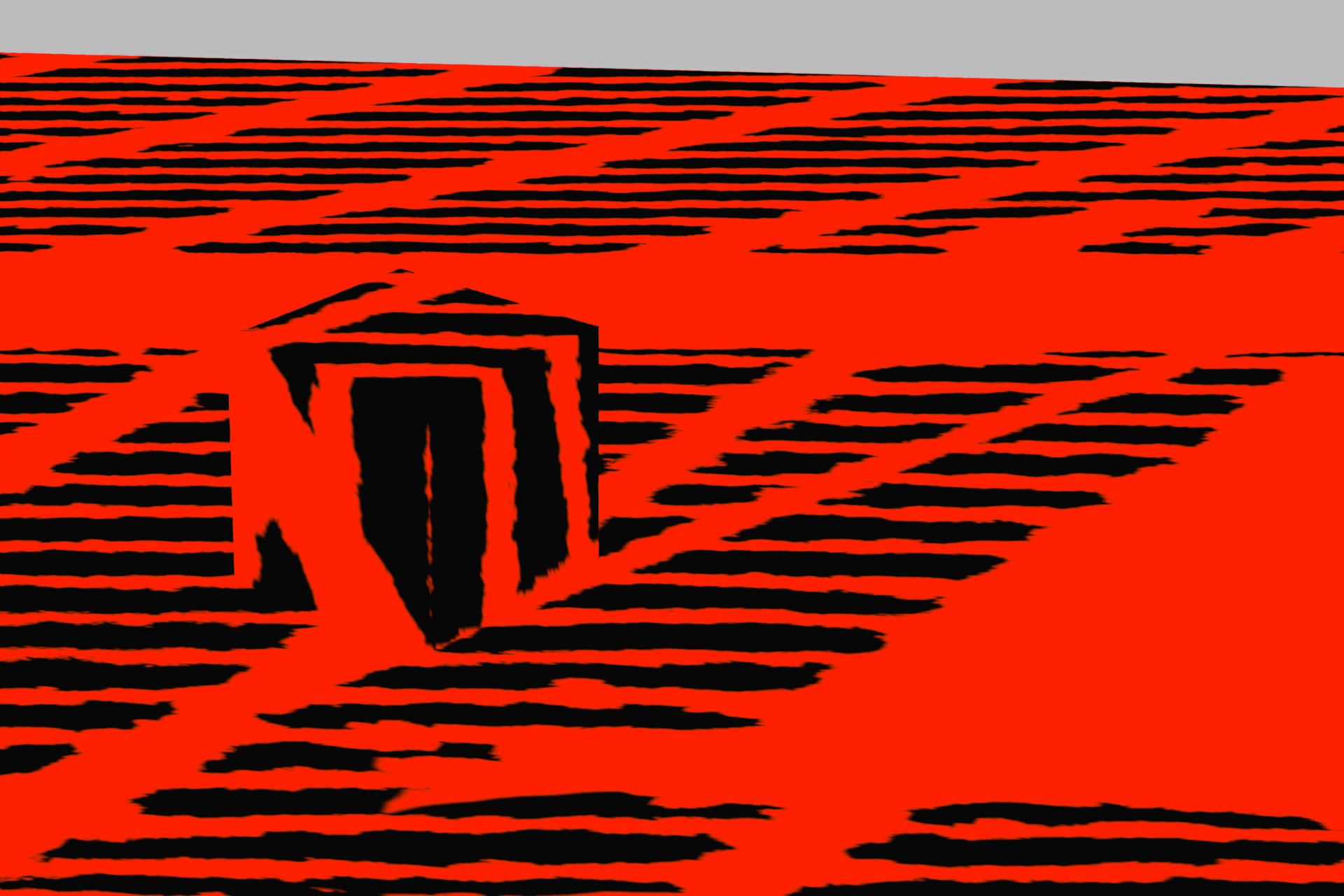
Environment Shadow - Maya
01/13/2026 - Week 02
Below is the updated perspective of the camera.
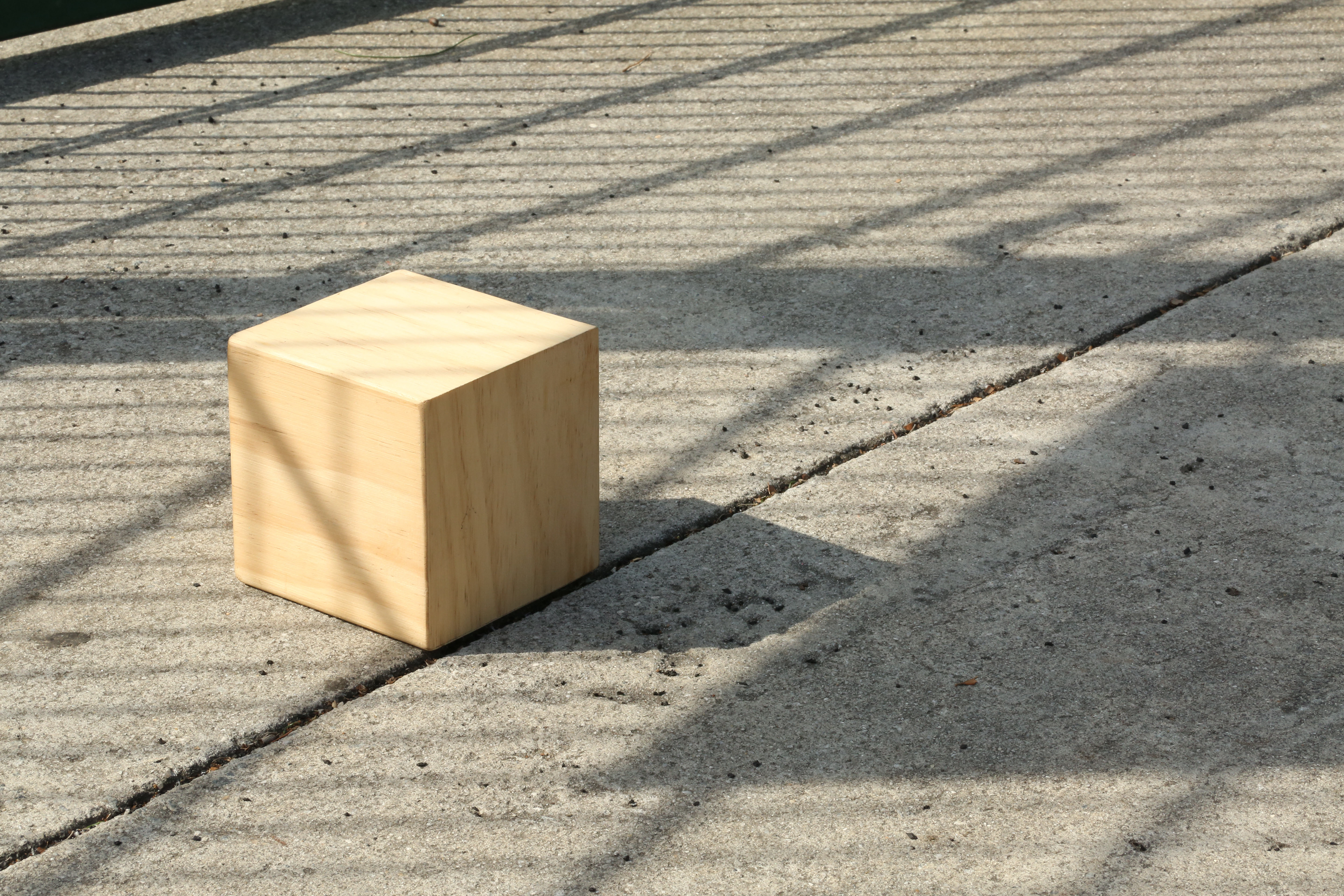
Cube Reference
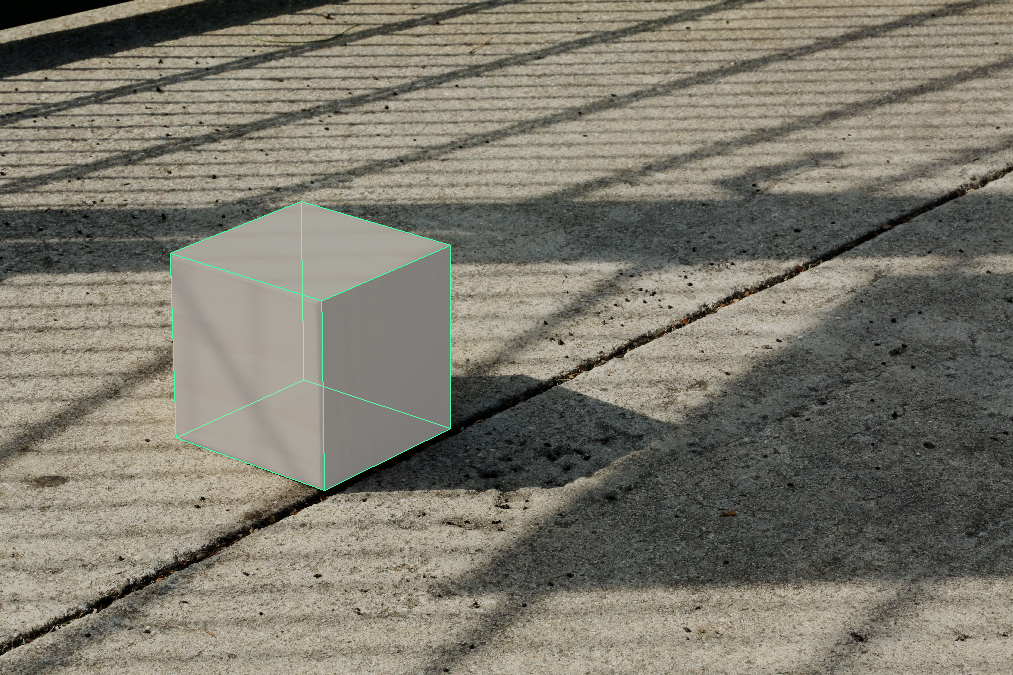
Cube in Maya
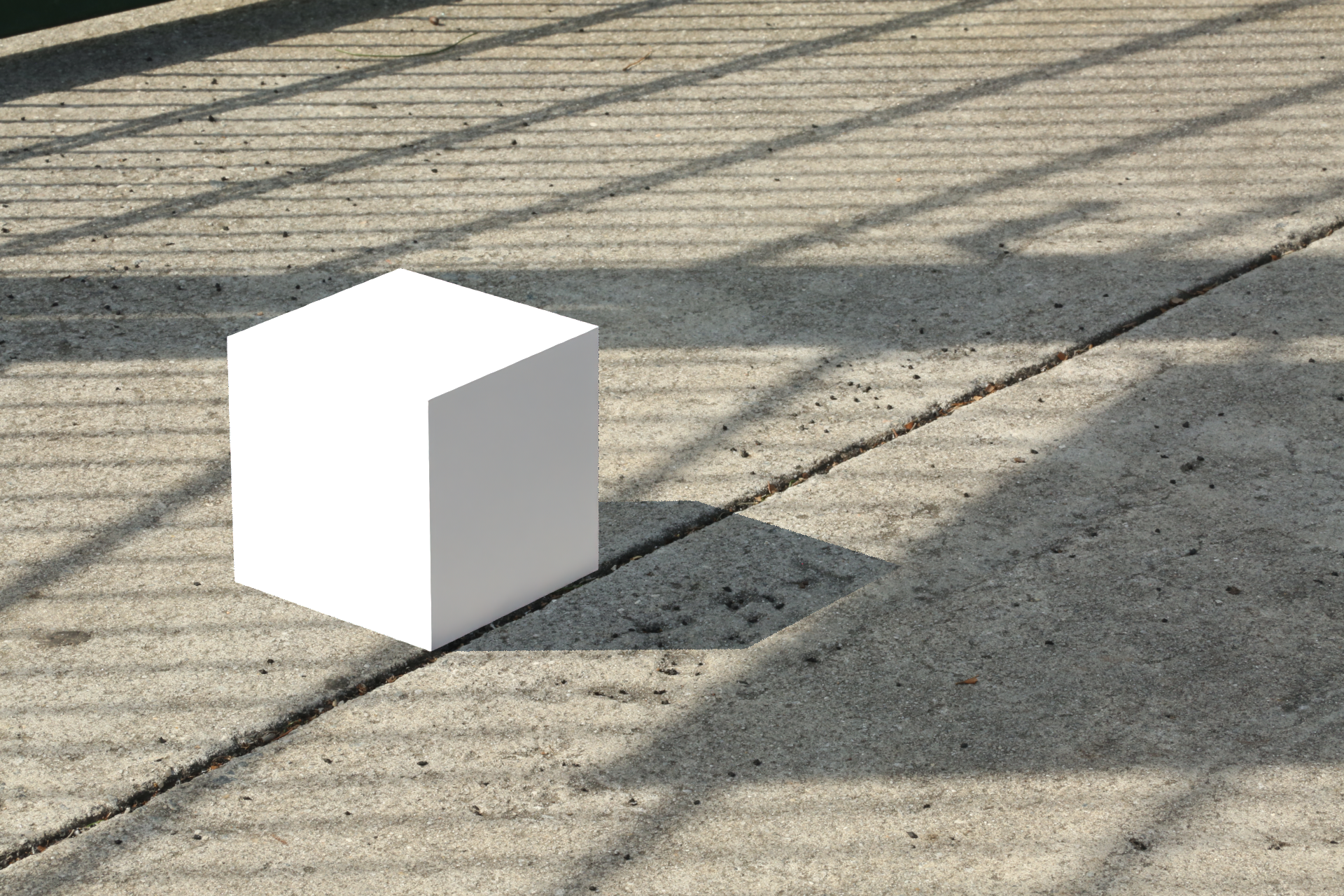
Cube in Maya
I added the chrome ball to the scene and tried to match the position of the sun and the ground line.
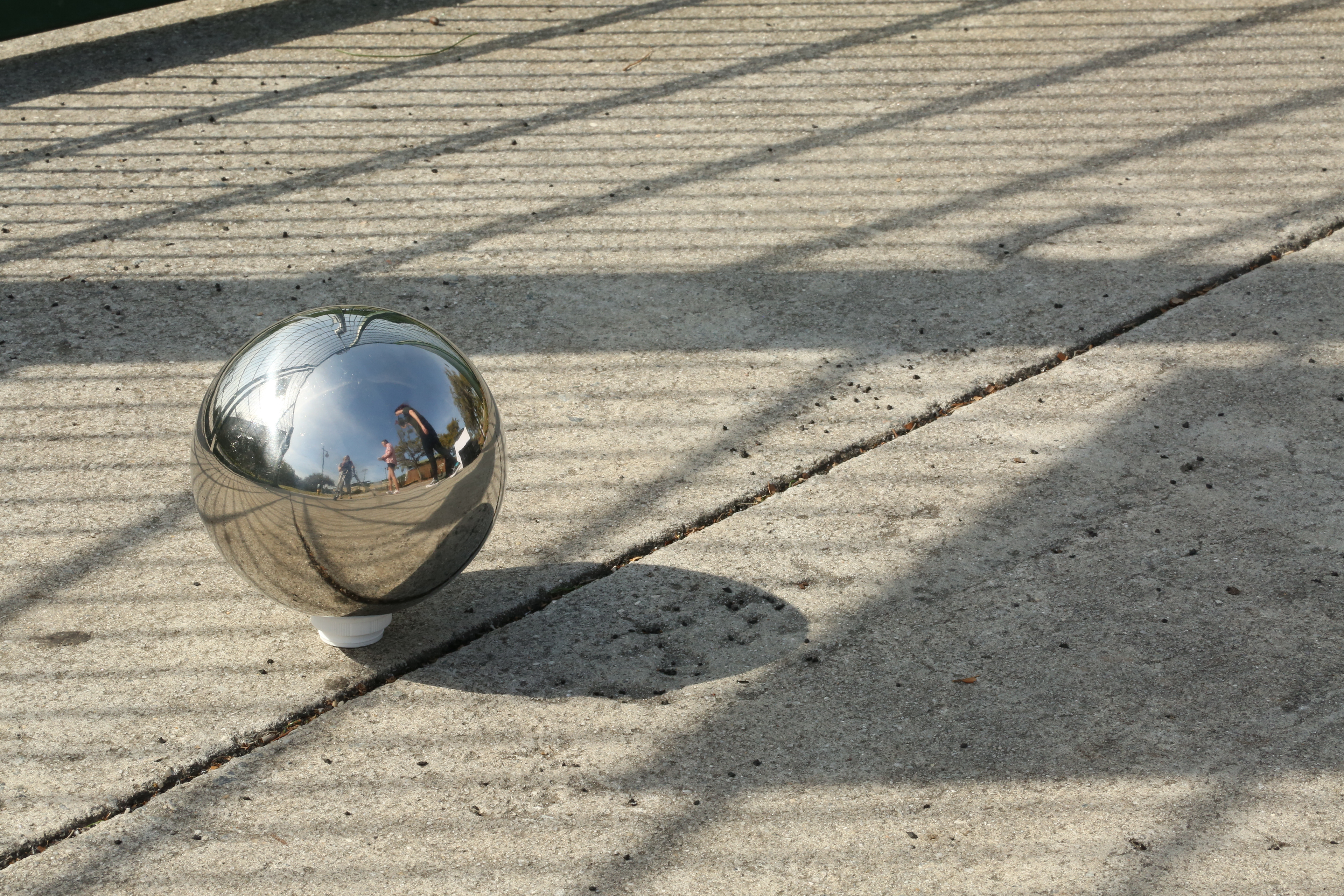
Chrome Ball Reference
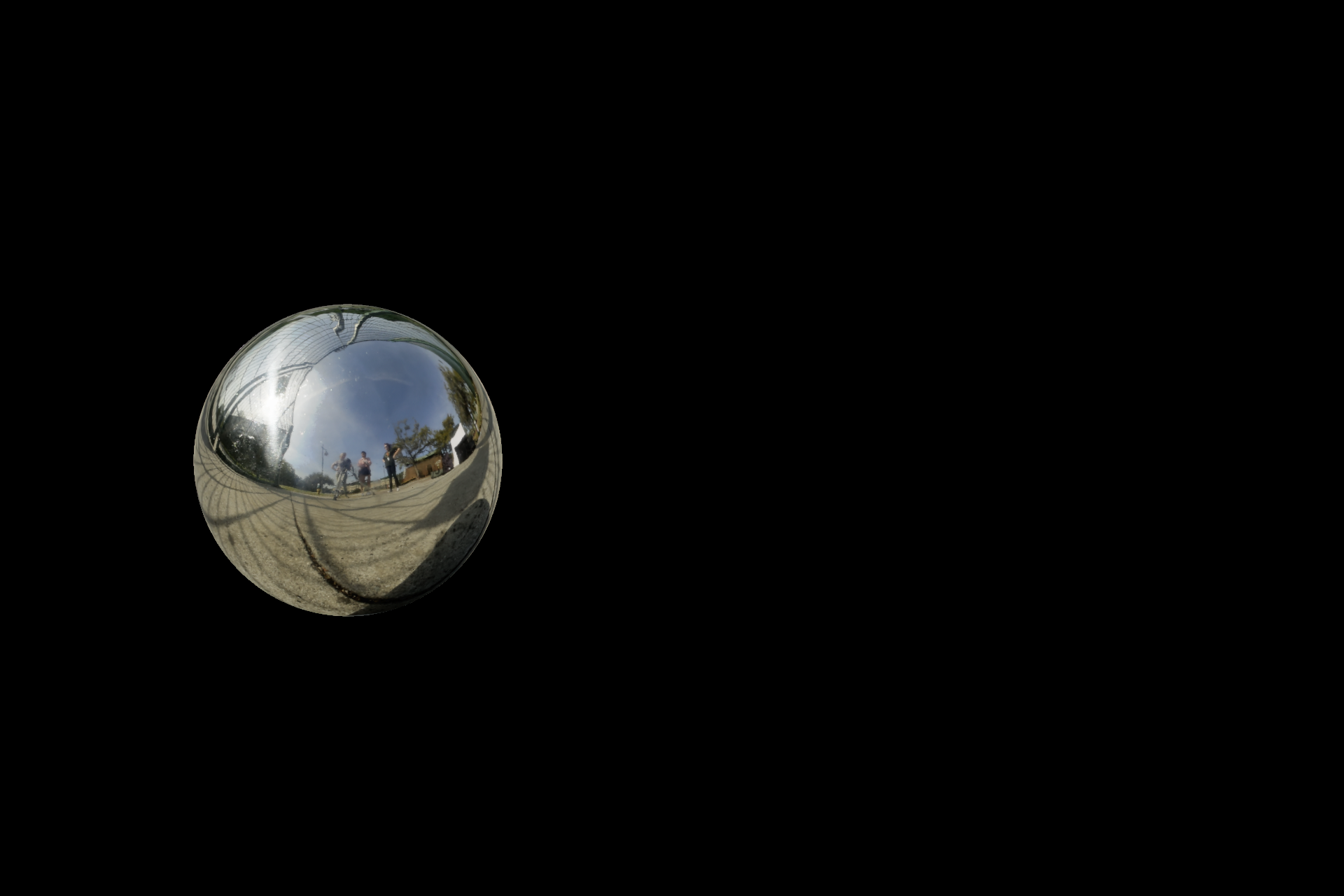
Chrome Ball in Maya
I set up the Beauty and Shadow layers in Maya and brought them into Nuke for compositing.
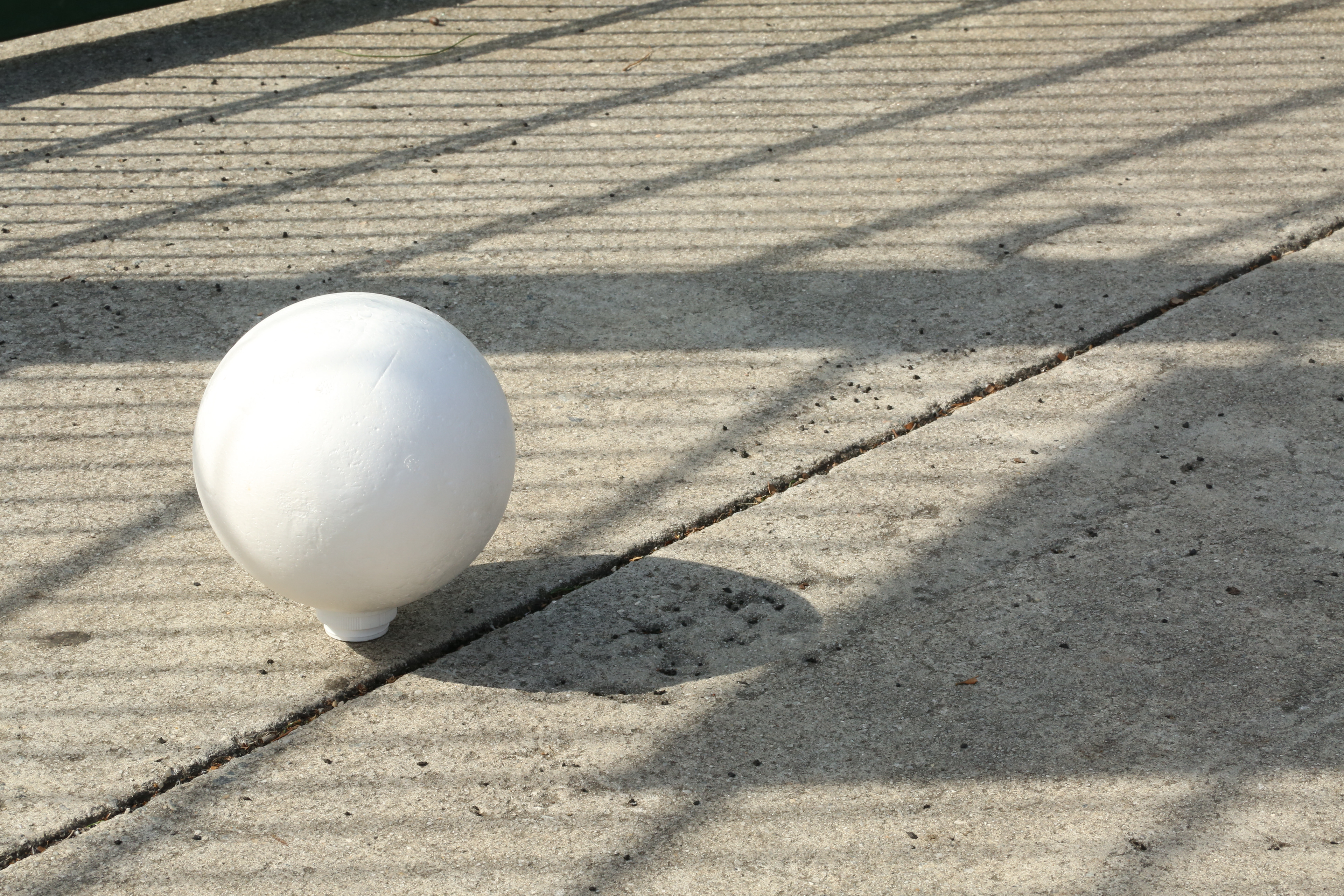
White Ball Reference
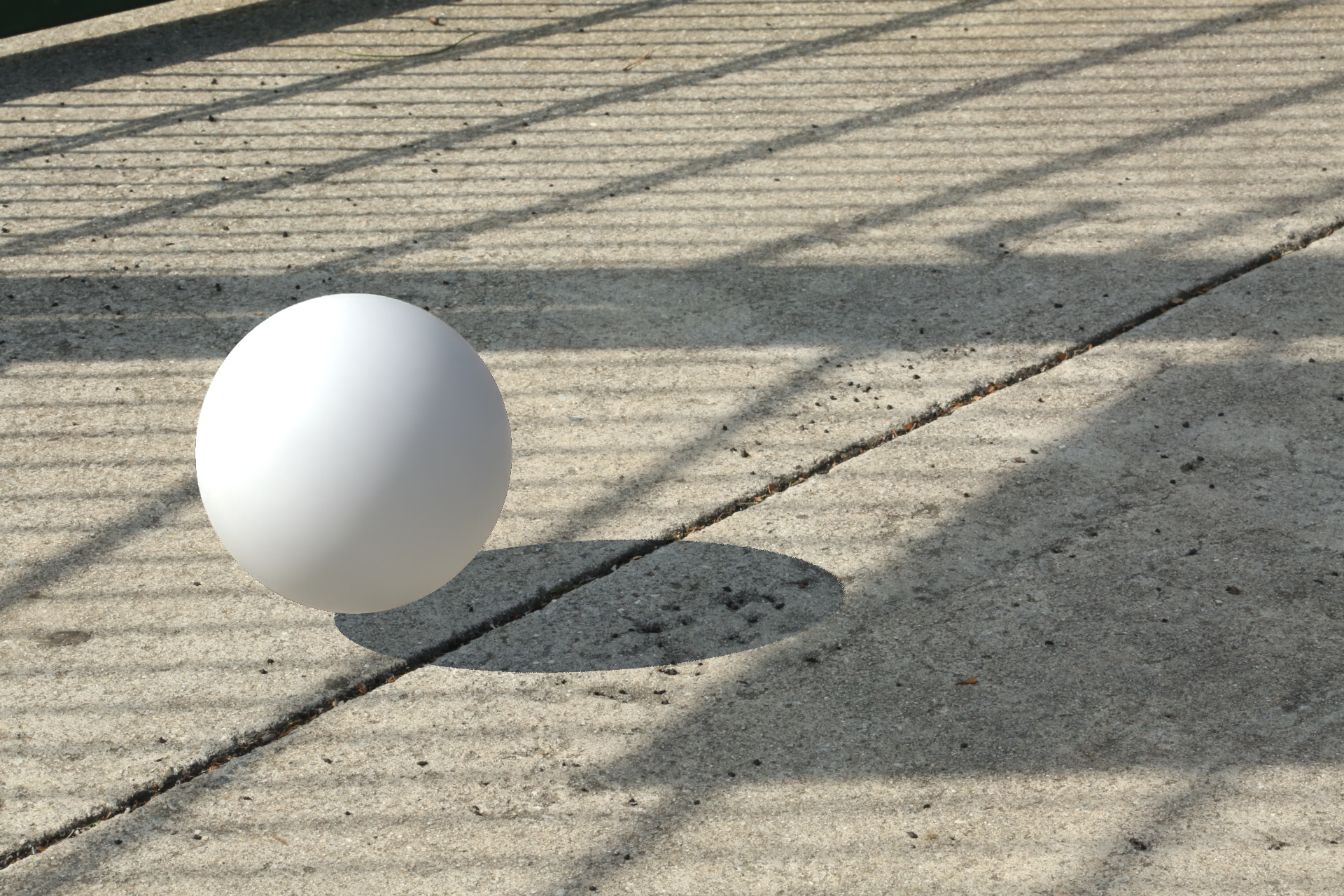
White Ball Rendered in Nuke
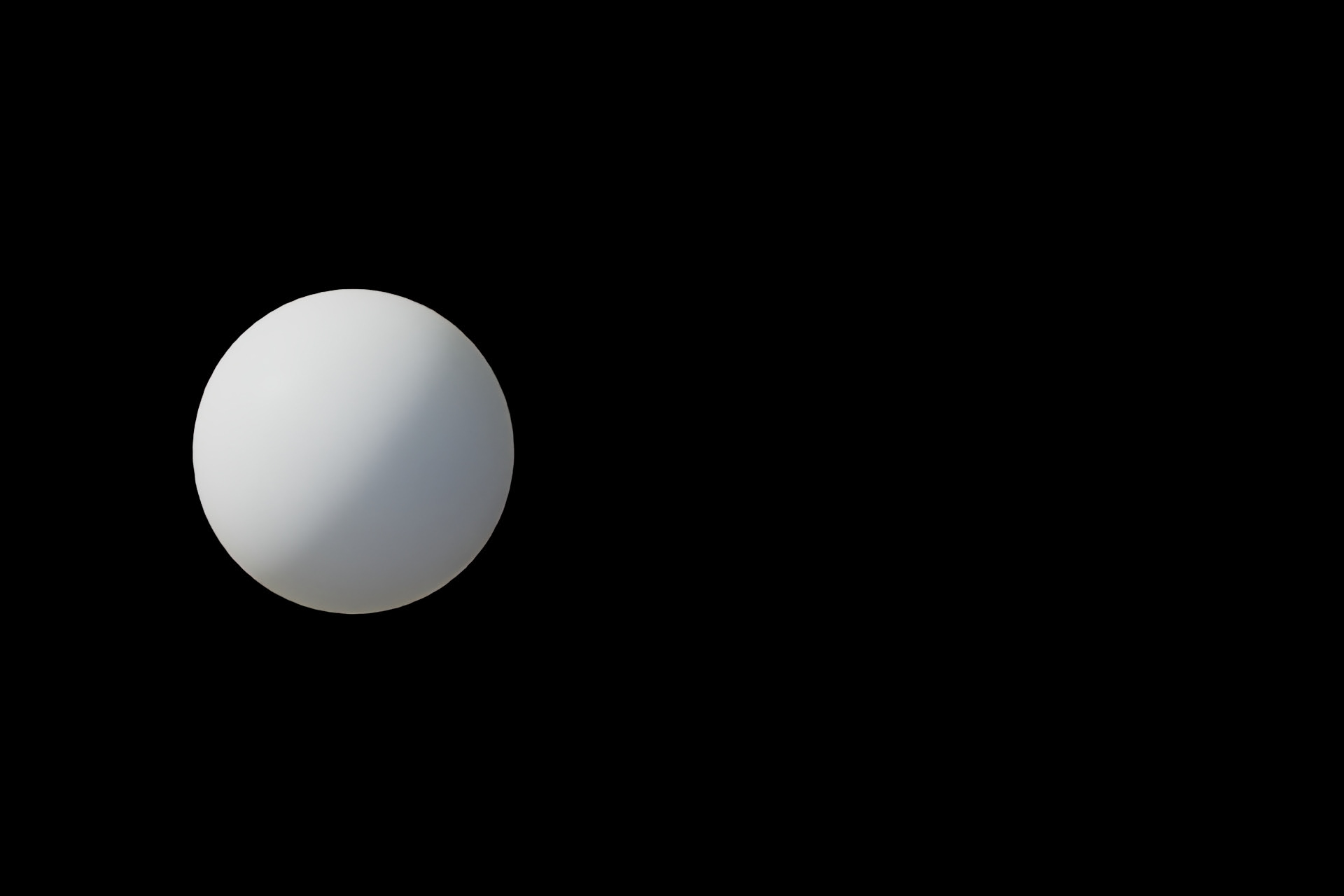
White Ball - Beauty Layer

White Ball - Shadow Layer
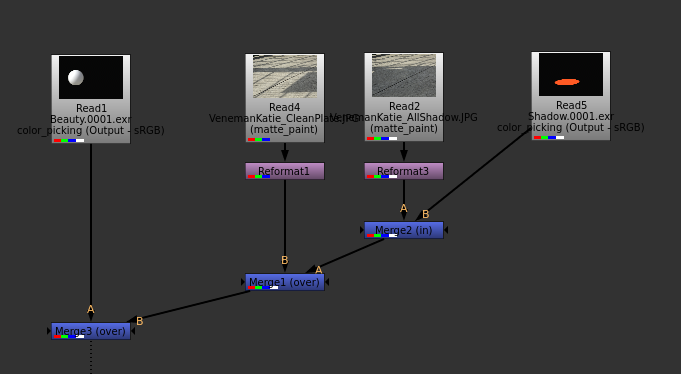
Nuke
01/09/2026 - Week 01
Using the bracketed images of the chrome ball, I combined them in Photoshop to generate the HDRI for the scene. Then, I added the HDRI to a geo dome for the fill light and positioned the key light to align with the sun.
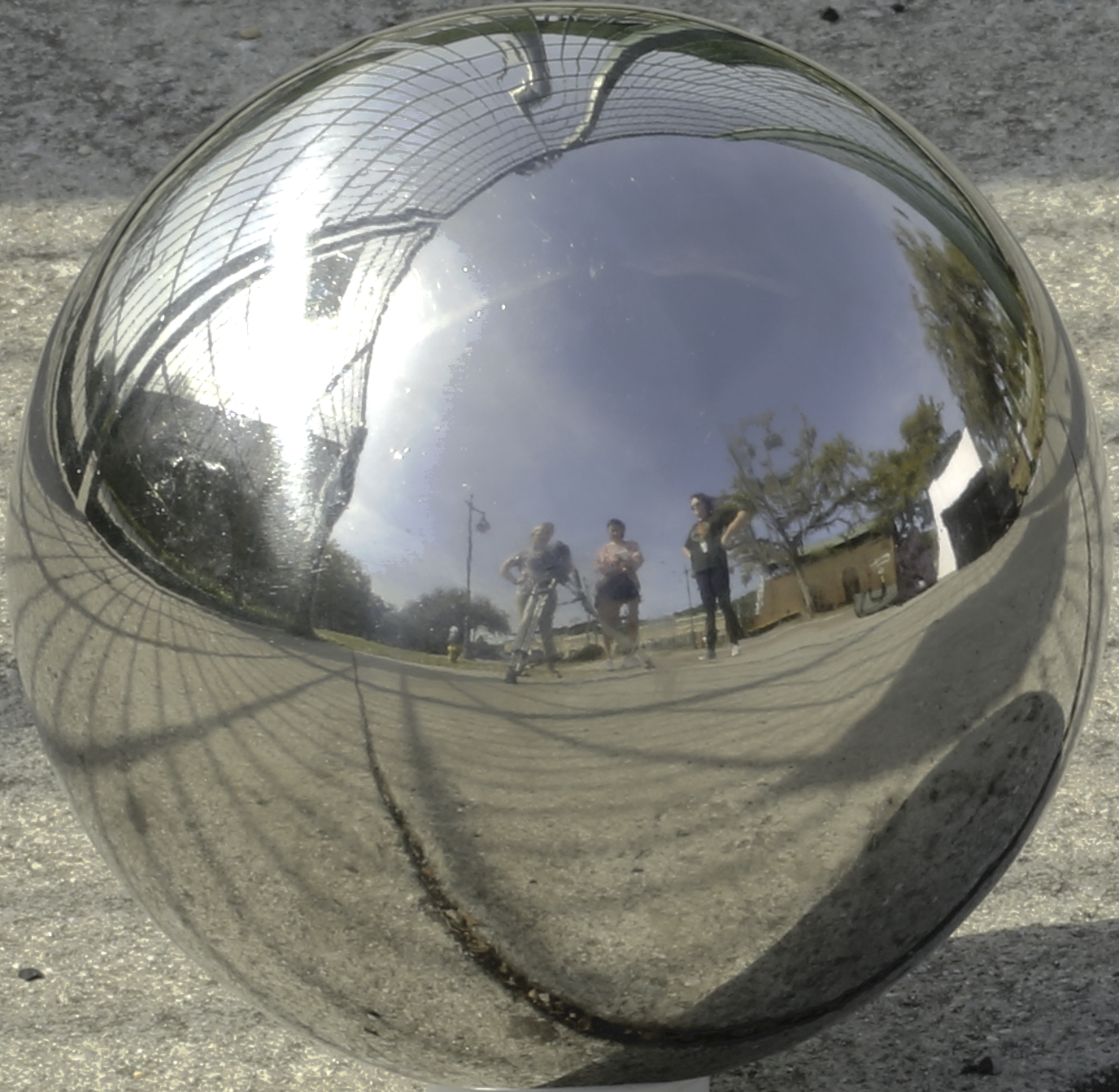
HDRI
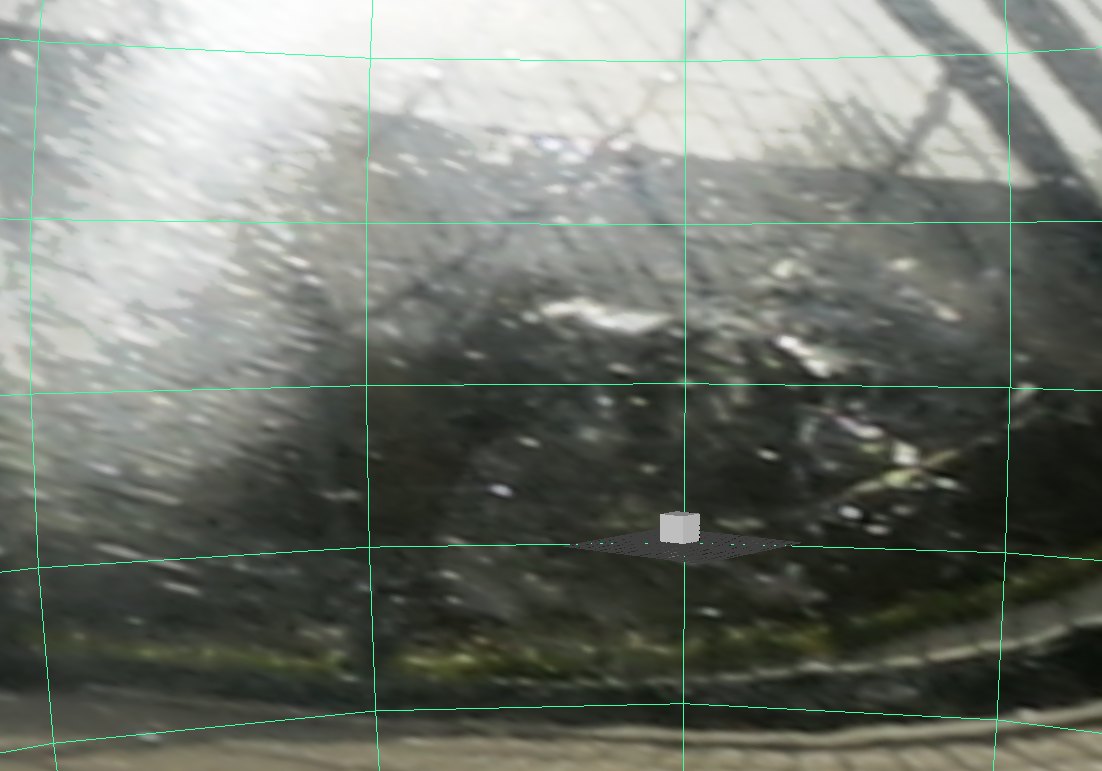
HDRI on Geo Dome
Below is the render of the cube and the white ball in Maya. I used the cube to match the shadow and the white ball to match the key light intensity.

Cube Reference
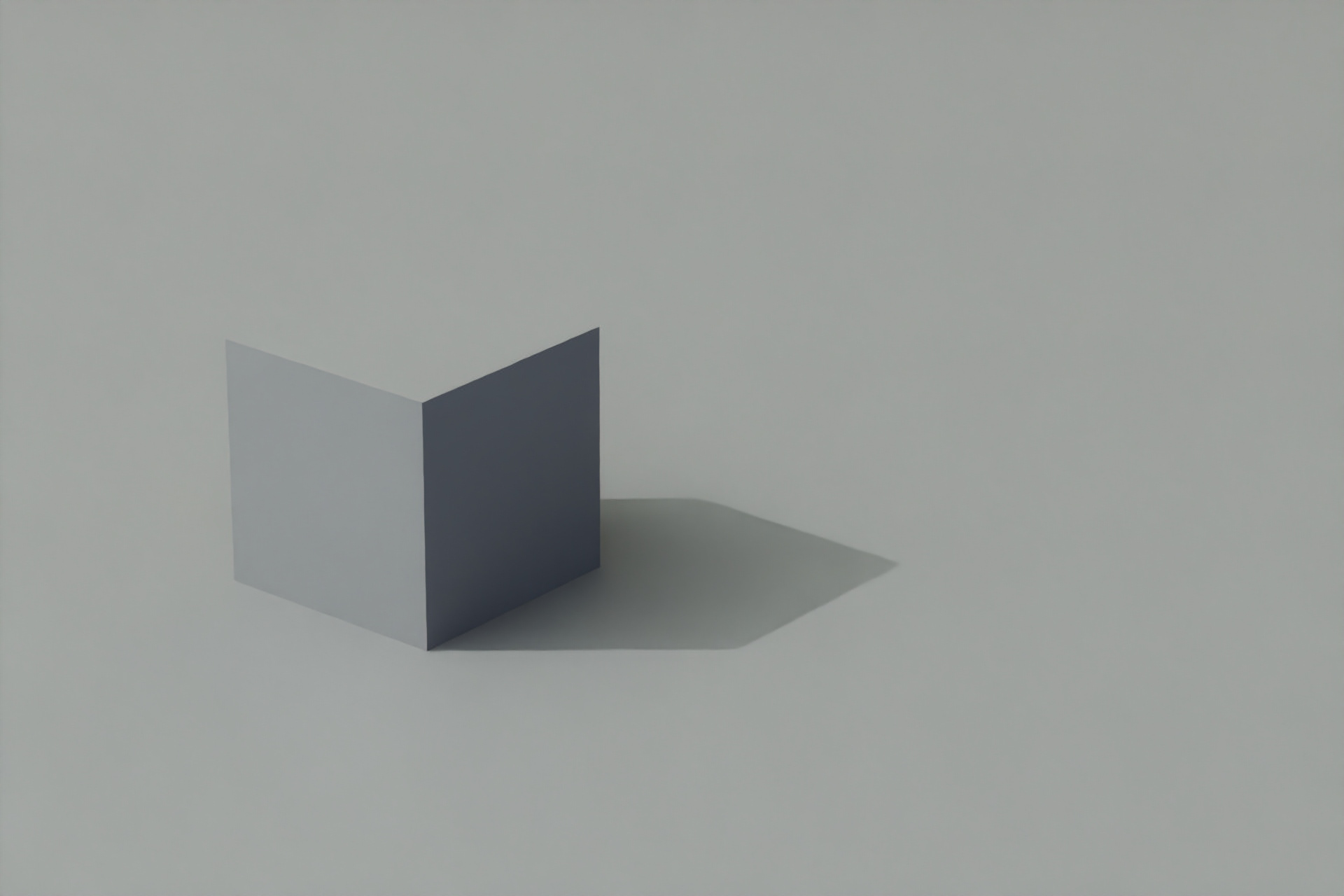
Cube in Maya
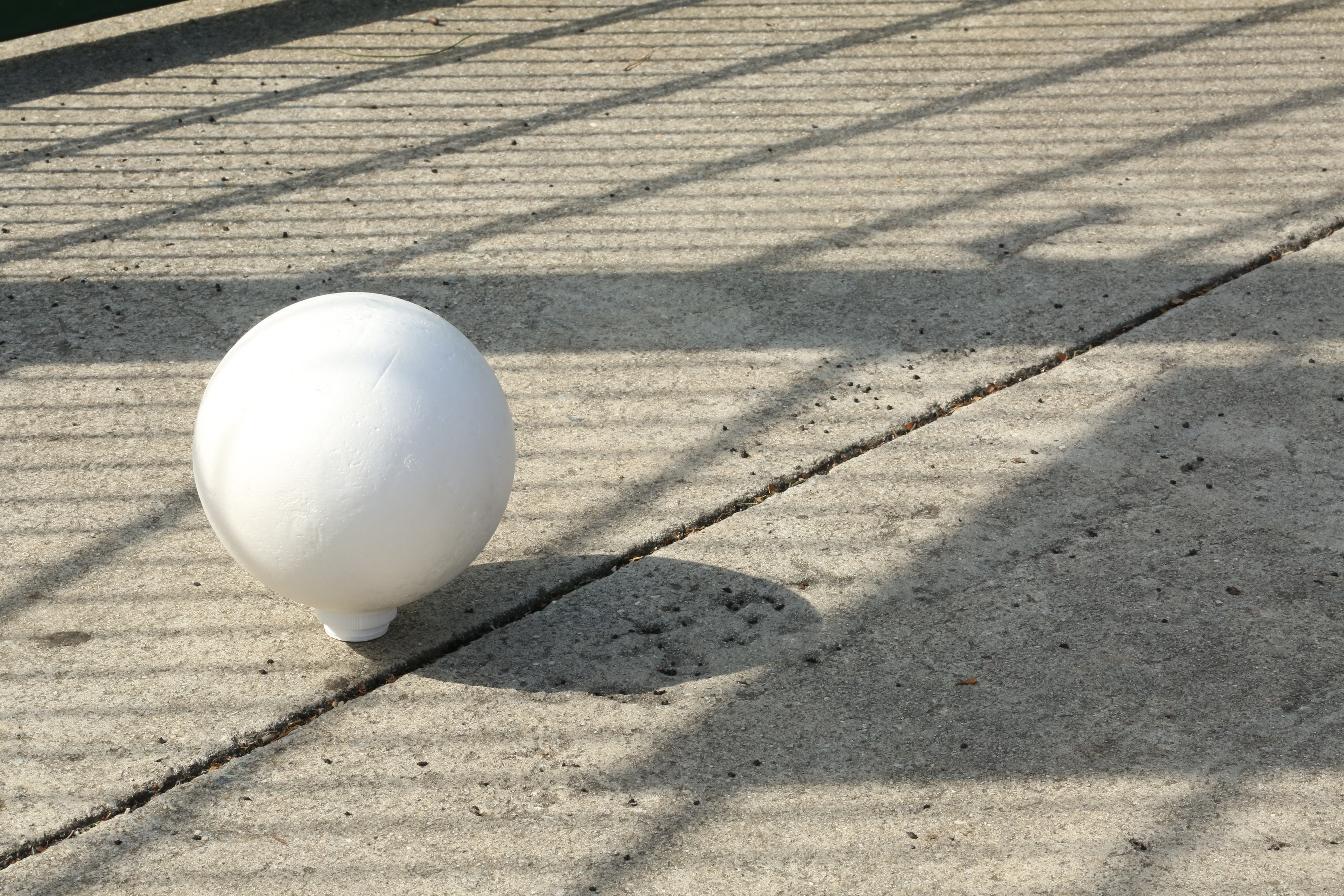
White Ball Reference
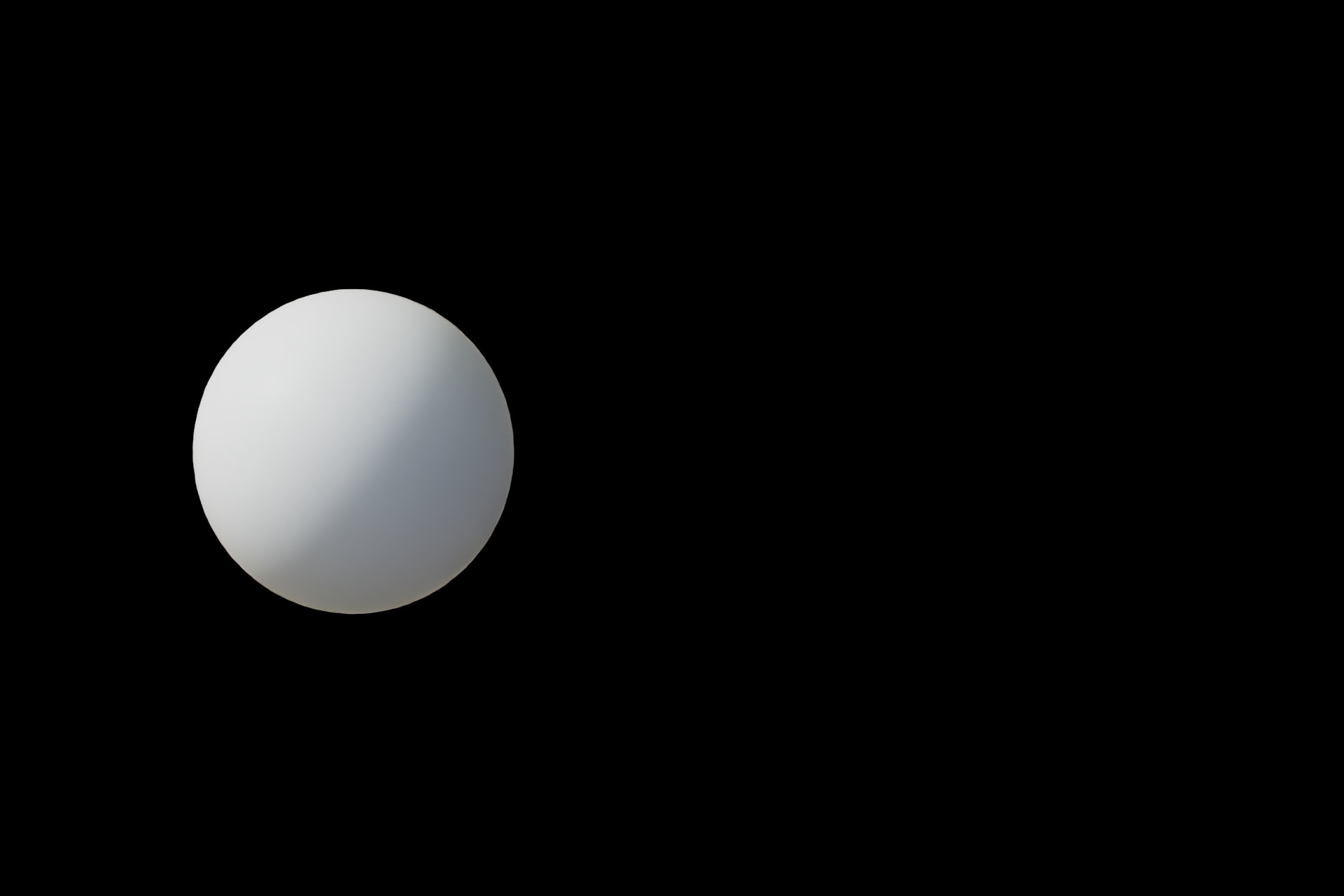
White Ball in Maya
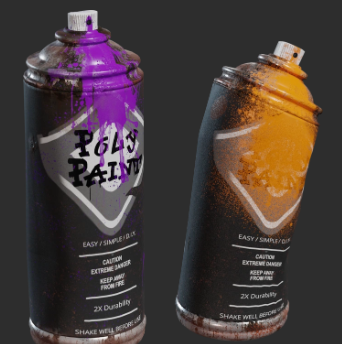
I'll be using the Spray Paint Bottles by Riley Queen from Poly Haven as the CG object for this project.
01/06/2026 - Week 01
For this project, we will be integrating the CG object into the real-world environment, and as it moves across the scene, the object will respond to lighting changes that match the background. I will be using the Veneman Katie's fence photo sets from the Resource Library.
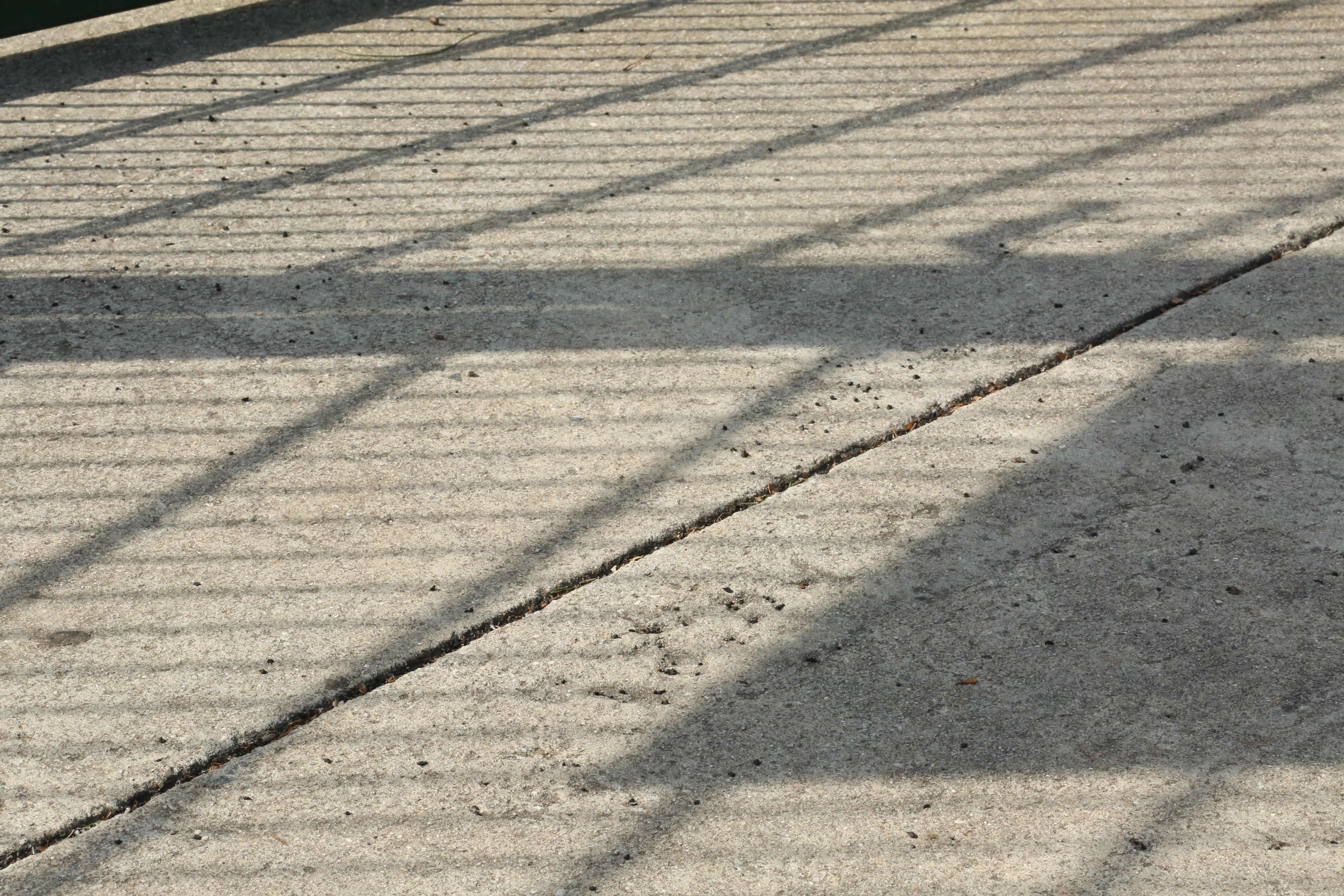
Clean Plate
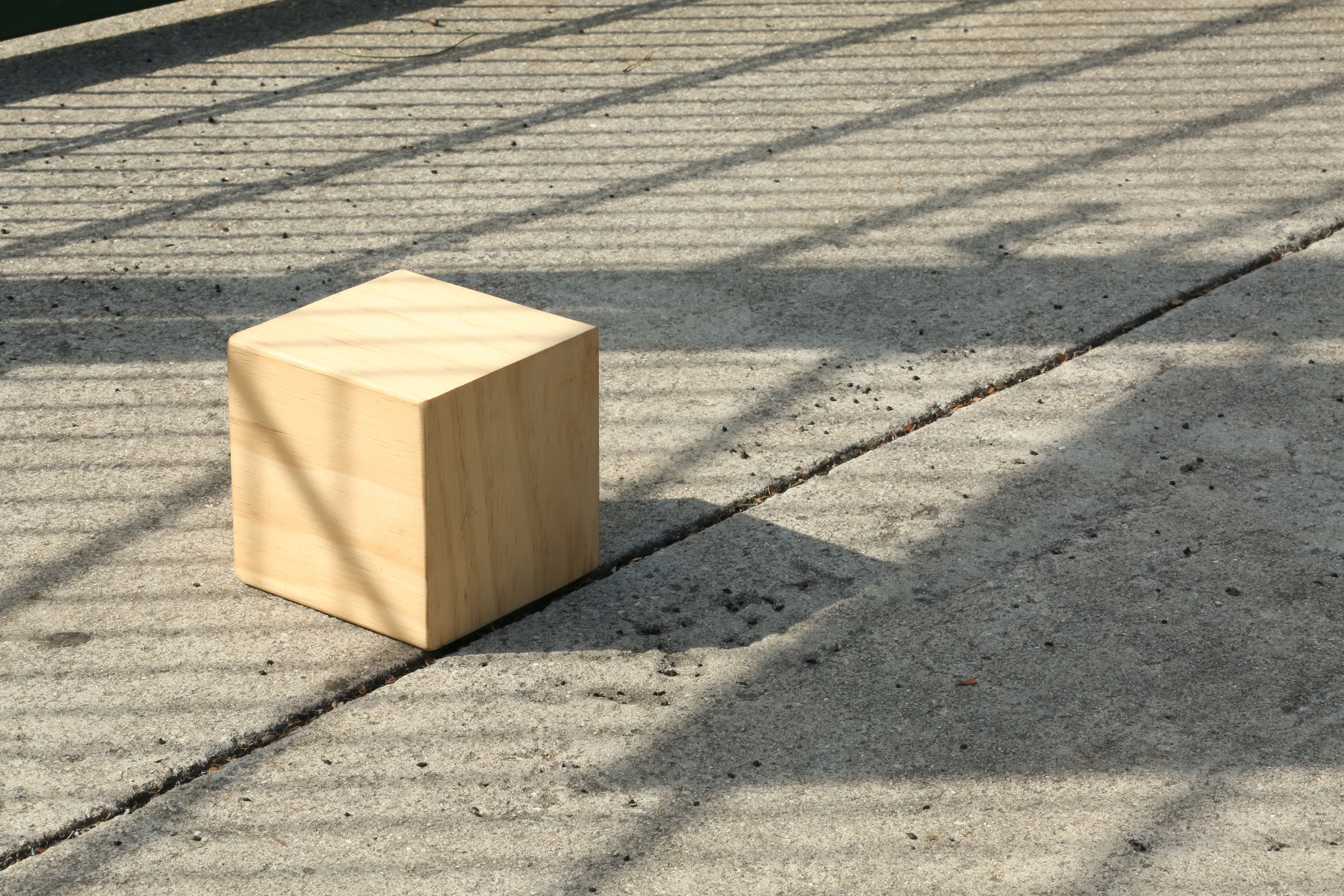
Cube
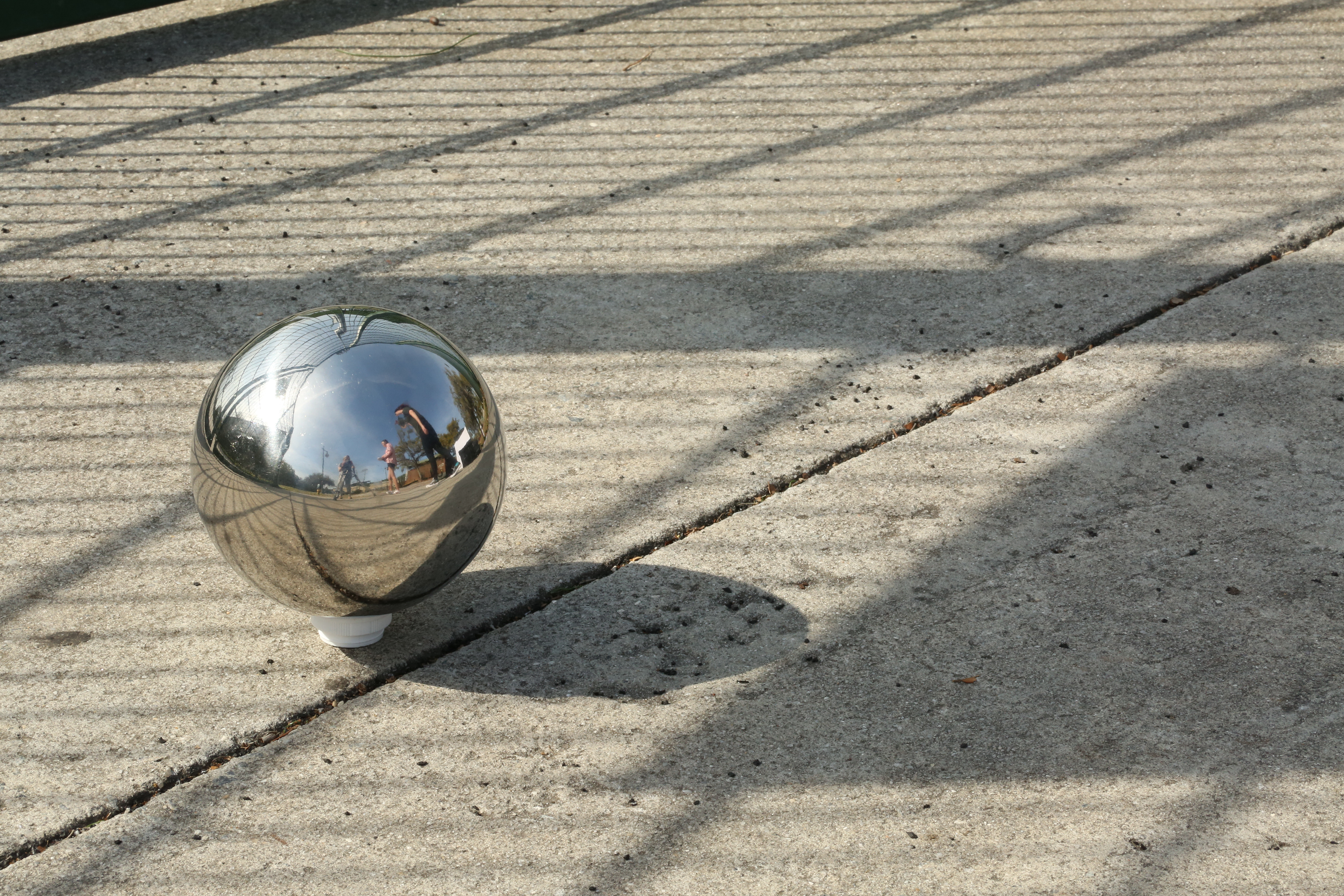
Chrome Ball
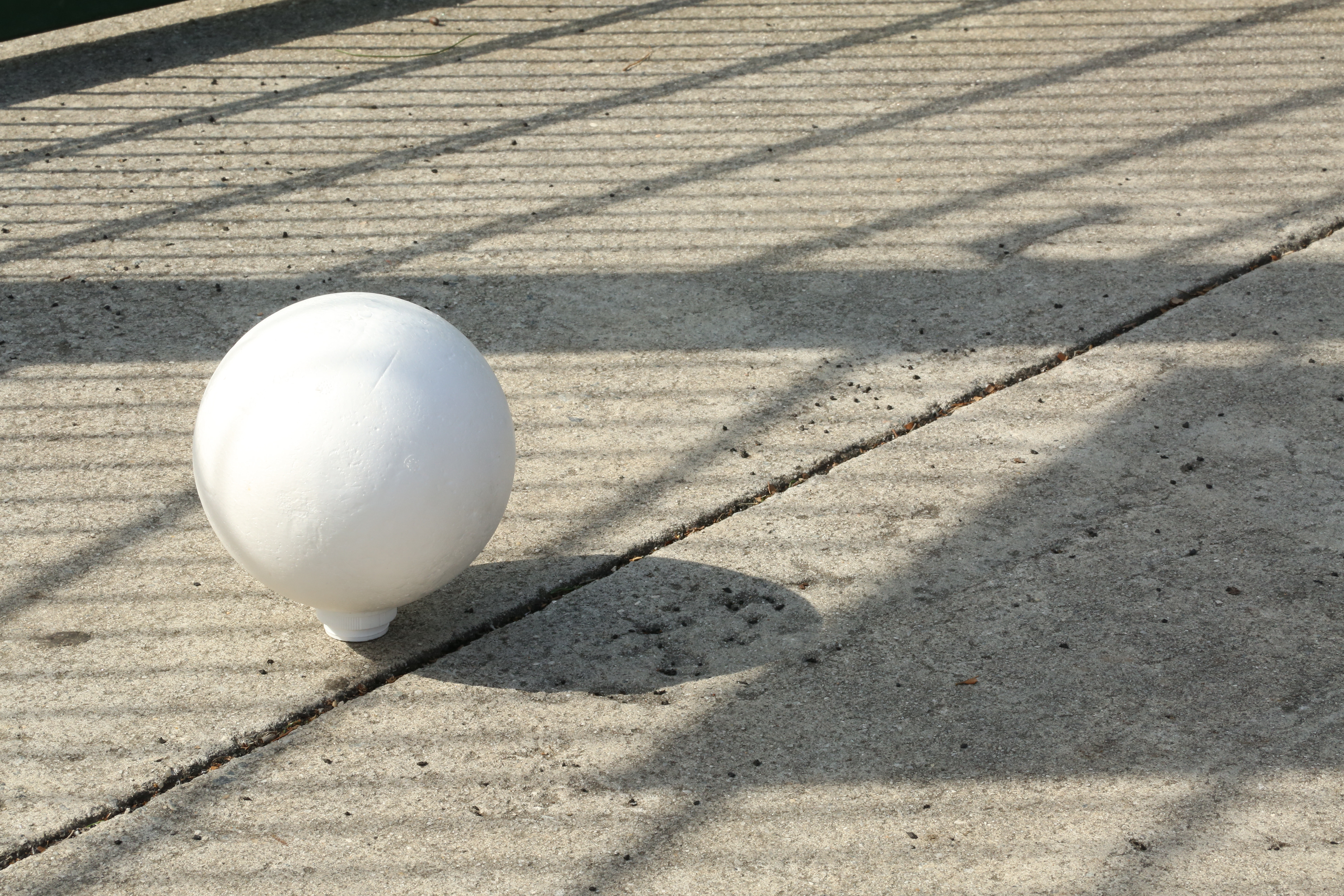
White Ball
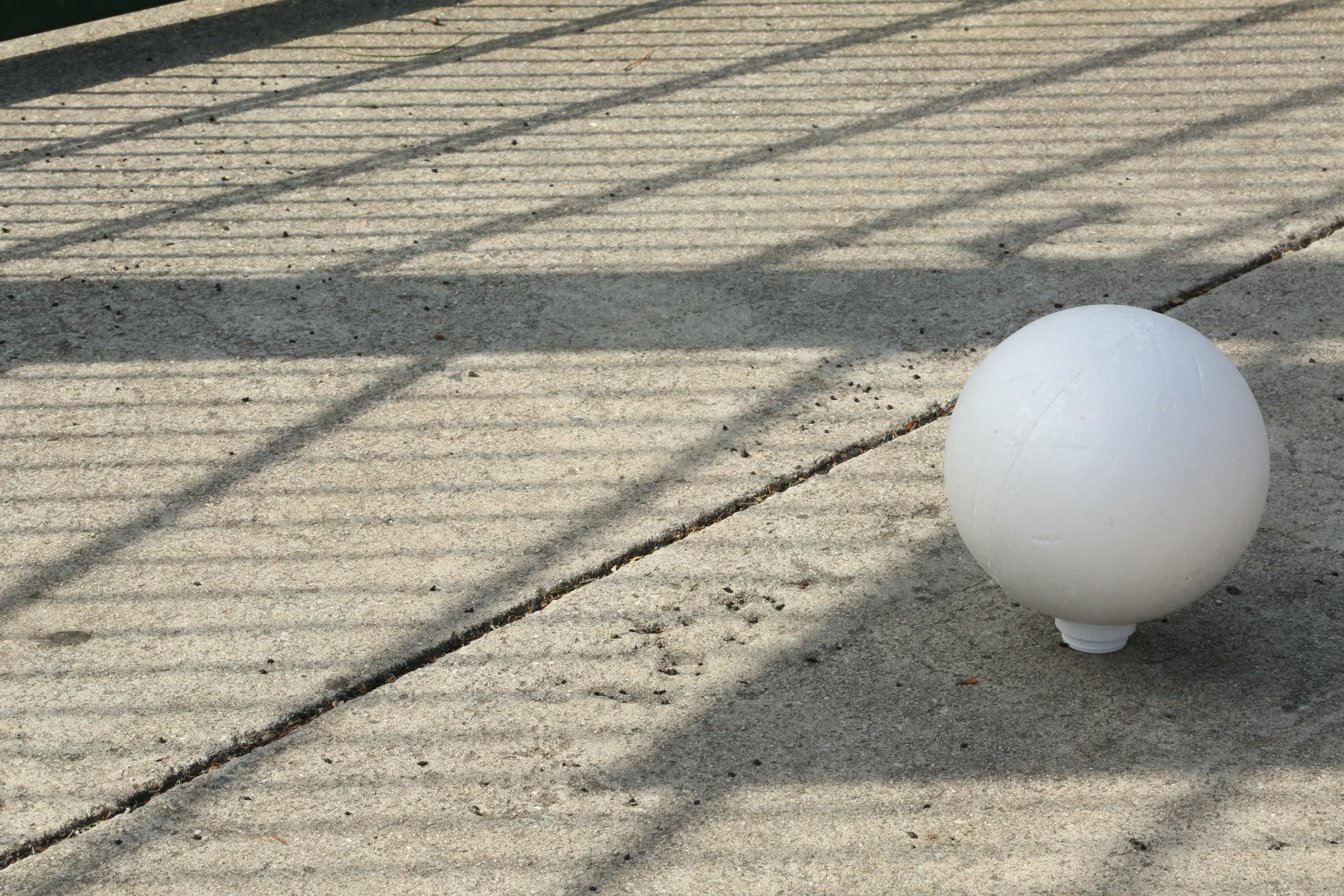
White Ball in Shadow
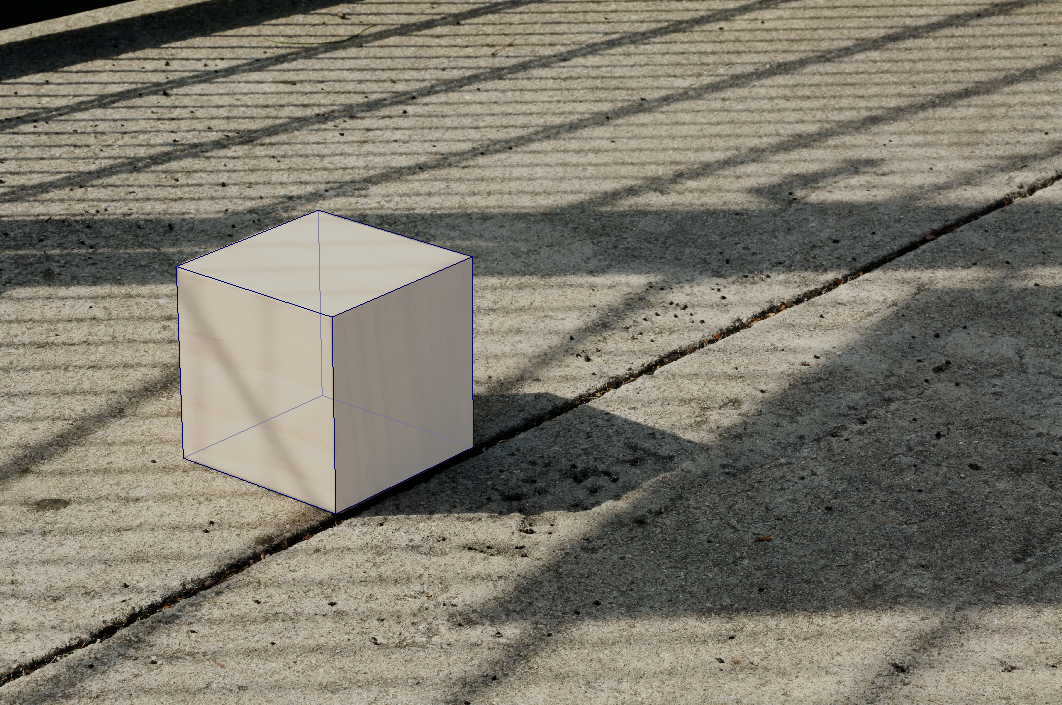
First, I checked the metadata to find the focal length and image dimensions and applied it to the camera in Maya. I set the focal length to 124mm and aligned a cube to match the perspective of the reference image. I am planning to refine the rotation of the cube later.